
Command Palette
Search for a command to run...
Accessibility(22)
Contrast checkers, audit tools, and guidelines for building inclusively.
Accessibility Resources

A11y Annotation Kit: Figma accessibility annotations
The A11y Annotation Kit is a comprehensive Figma library that provides standardized accessibility annotation components for design handoffs. It helps designers communicate accessibility requirements to developers through clear, consistent annotations that cover focus states, screen reader labels, keyboard navigation, and more.

A11y Project: Community-driven accessibility resource
The A11y Project is a community-driven effort to make digital accessibility easier through practical, digestible resources and guides. It provides straightforward explanations of accessibility concepts, code examples, and actionable advice that helps designers and developers understand and implement accessibility best practices in their work.
Able: Figma accessibility plugin
Able is a Figma plugin that helps designers check color contrast ratios, simulate different types of color blindness, and ensure their designs meet WCAG accessibility standards. It integrates seamlessly into the design workflow, allowing real-time accessibility checking without leaving the design environment.
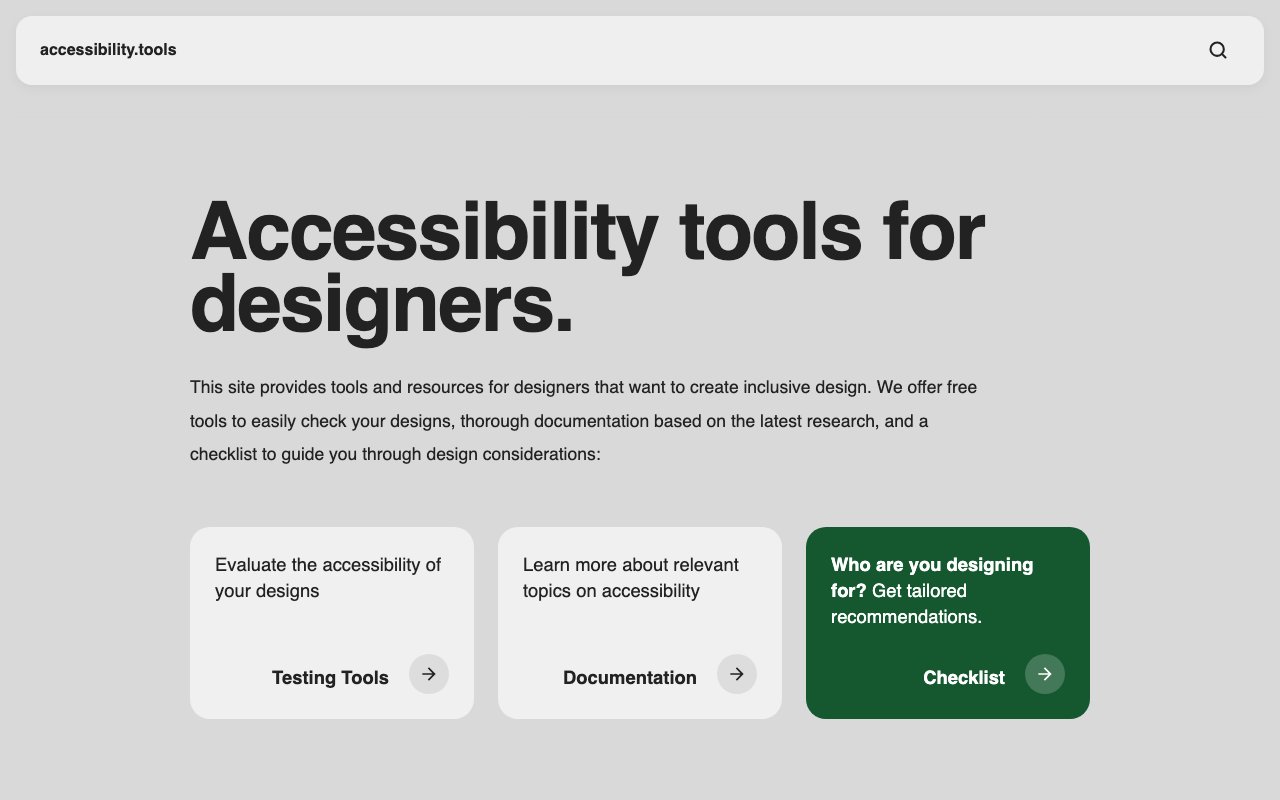
Accessibility Tools for Designers
Free browser toolkit for checking design screenshots with contrast analysis, vision simulation, attention heat maps, and alt text support. Includes research-based guidance and a design checklist.

Accessibility-First (Regulatory Shift)
High contrast and neuro-inclusion now mandatory under evolving regulations, reshaping entire design systems. Accessibility moving from checkbox to foundational architecture.
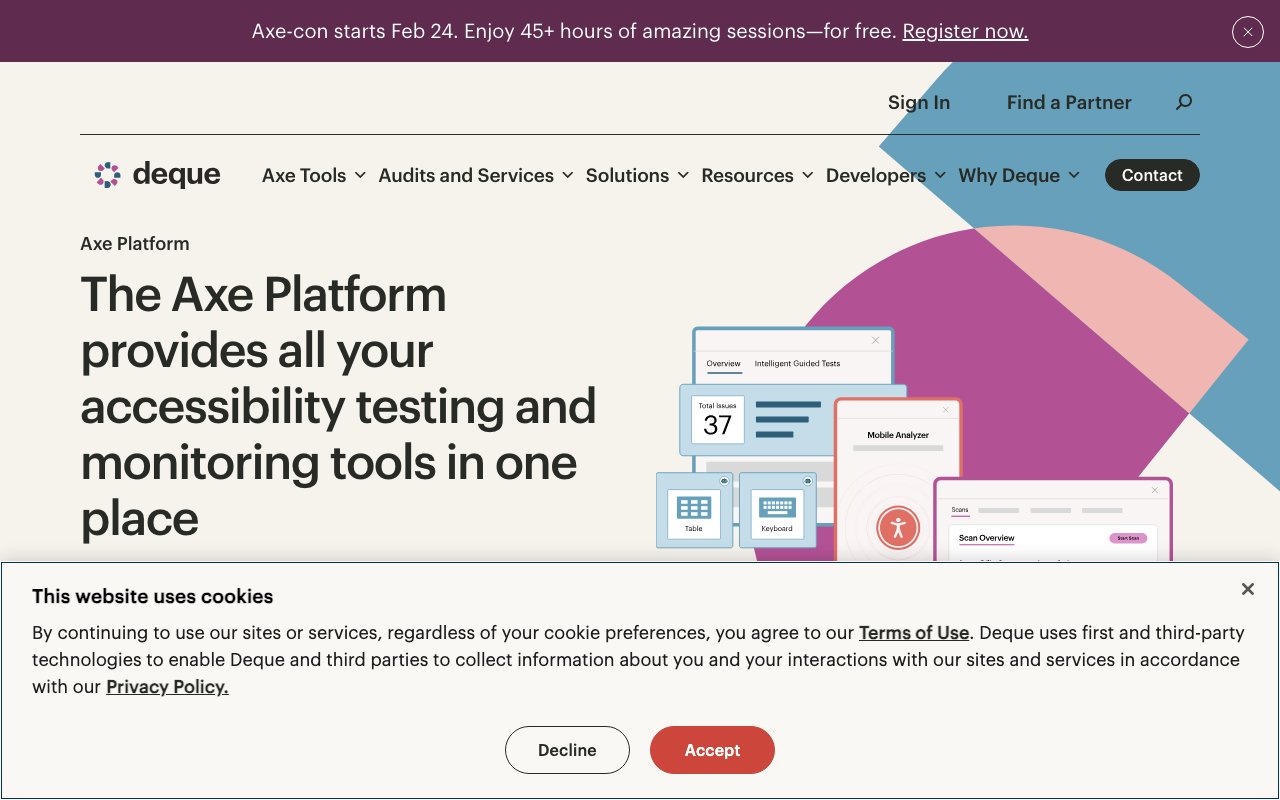
axe DevTools: Browser extension for accessibility testing
axe DevTools is a powerful browser extension that automatically scans web pages for accessibility issues and provides detailed reports with specific remediation guidance. It's built by accessibility experts and is widely considered the gold standard for automated accessibility testing, helping developers catch issues early in the development process.
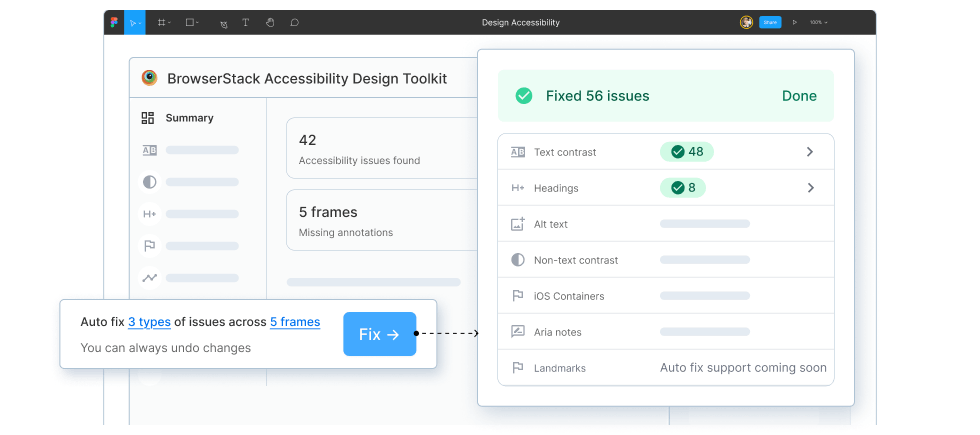
BrowserStack Accessibility Design Toolkit
newFigma plugin for scanning layouts and components for accessibility issues, documenting focus order and ARIA intent, and handing annotated guidance to developers before implementation.
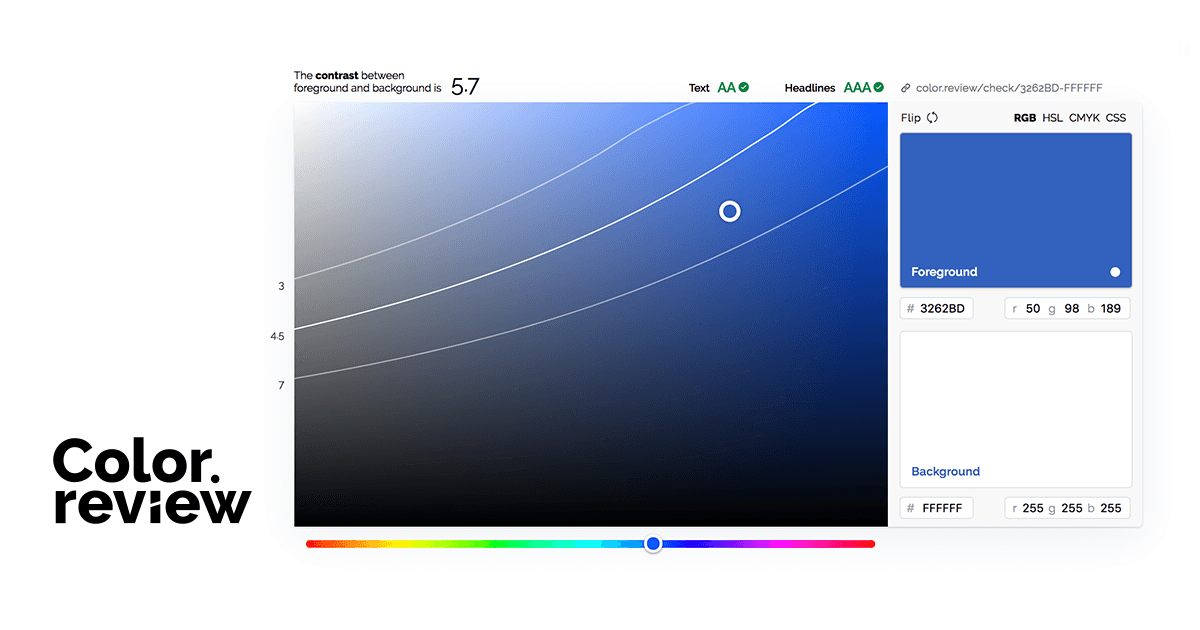
Color Review: Visual contrast checker
Color Review provides an intuitive visual interface for checking color contrast ratios between foreground and background colors. It shows real-time WCAG compliance ratings and offers an easy way to adjust colors until they meet accessibility standards, perfect for quick design decisions.
Color Safe: Accessible color palette generator
Color Safe is a web-based tool that generates accessible color palettes by ensuring all color combinations meet WCAG contrast requirements. It allows designers to input a base color and automatically suggests complementary colors that maintain proper contrast ratios for text and backgrounds.
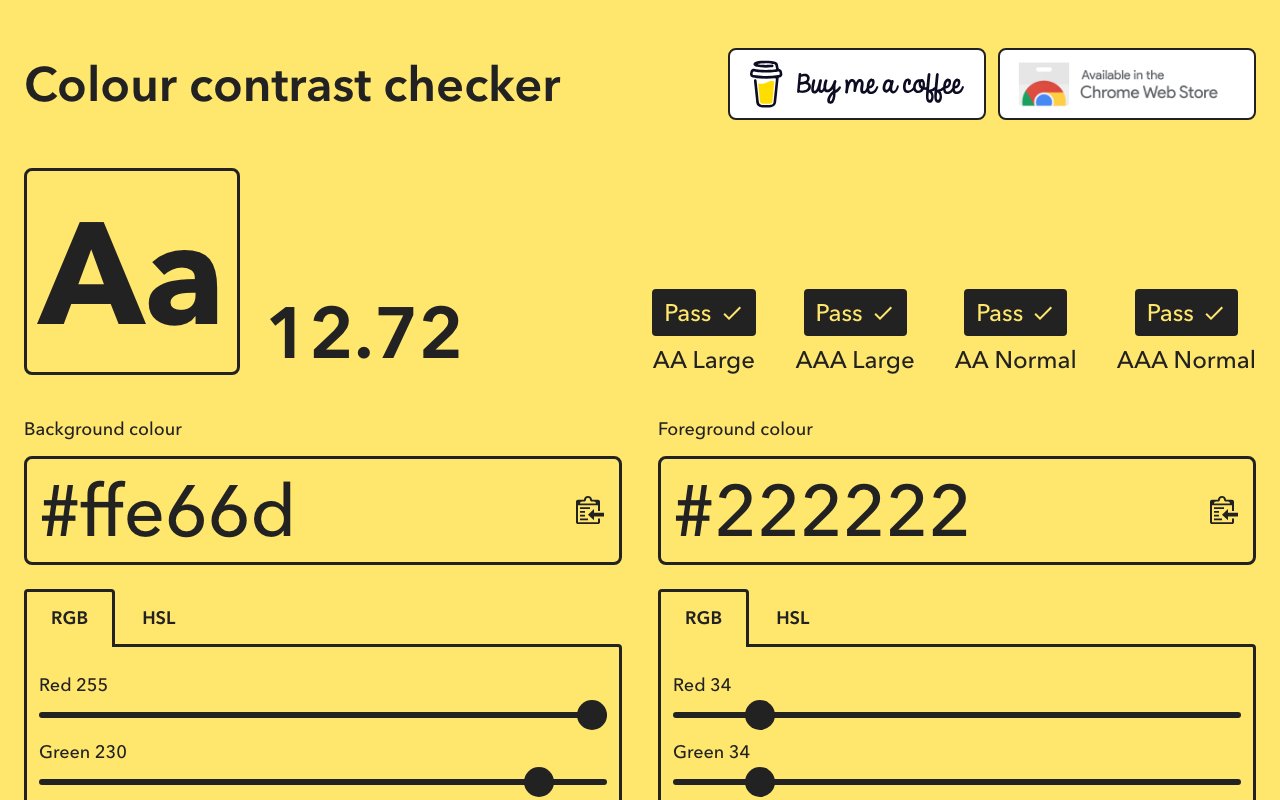
Colour Contrast Checker: Web-based WCAG checker
Colour Contrast Checker is a straightforward web tool that evaluates color combinations against WCAG 2.1 guidelines for normal and large text. It provides clear pass/fail indicators for AA and AAA compliance levels, making it easy for designers to ensure their color choices meet accessibility requirements.
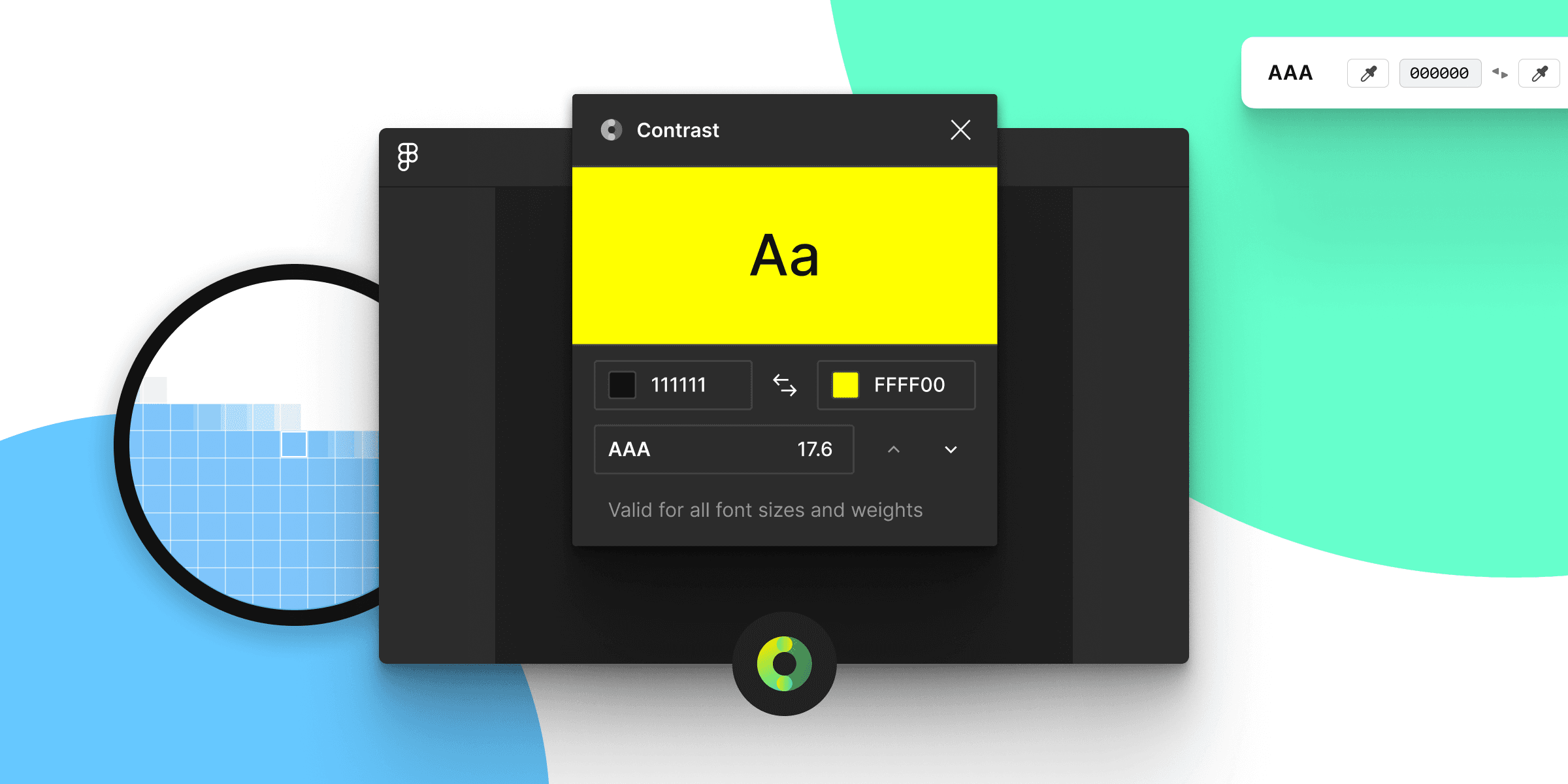
Contrast: macOS menubar contrast checker
Contrast is a macOS menubar app that lets designers quickly check color contrast ratios against WCAG guidelines with a simple point-and-click interface. It provides instant feedback on whether color combinations meet AA or AAA accessibility standards, making it perfect for quick checks during design workflows.
GitHub Accessibility Scanner
GitHub Action that scans sites and repositories for accessibility barriers, files trackable issues, and can assign findings to Copilot for proposed fixes with human review.
Inclusive Components: Accessible design patterns
Inclusive Components by Heydon Pickering provides detailed, practical examples of how to build common UI components with accessibility built-in from the start. Each post breaks down the design and development considerations needed to create truly inclusive interfaces, making complex accessibility concepts approachable and actionable.

Lighthouse: Built-in Chrome accessibility audits
Lighthouse is built directly into Chrome DevTools and provides comprehensive accessibility audits alongside performance and SEO analysis. It automatically scans pages for common accessibility issues and provides actionable recommendations, making it an essential tool that's always available to developers and designers.
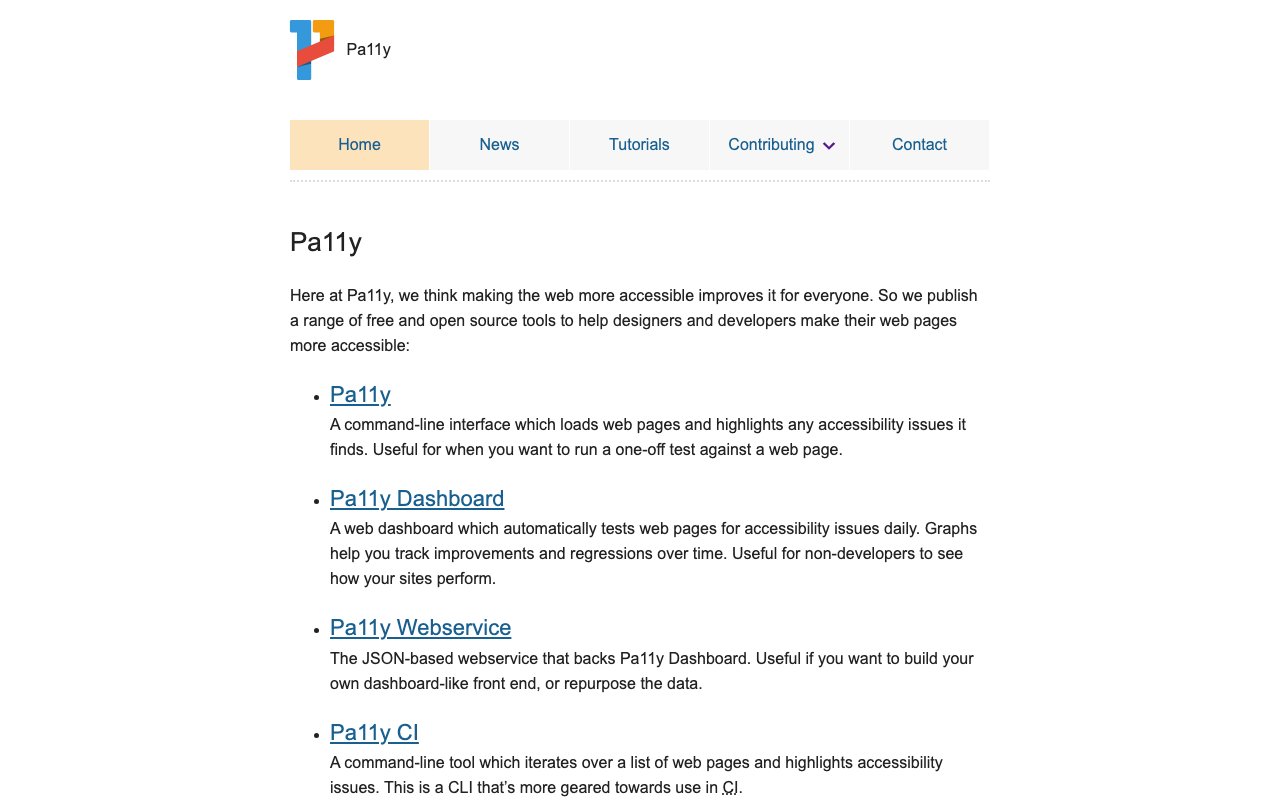
Pa11y: Automated accessibility testing
Pa11y is a command-line tool and web service that runs automated accessibility tests on web pages using HTML CodeSniffer rules. It can be integrated into development workflows and CI/CD pipelines to catch accessibility issues early, providing detailed reports and the ability to test multiple pages at scale.

pour
newFree WCAG 2.2 audit suite with browser extensions, a bookmarklet, CLI, and open-source engine. Findings include exact elements and fixes, while uncertain criteria stay in a manual-review checklist.
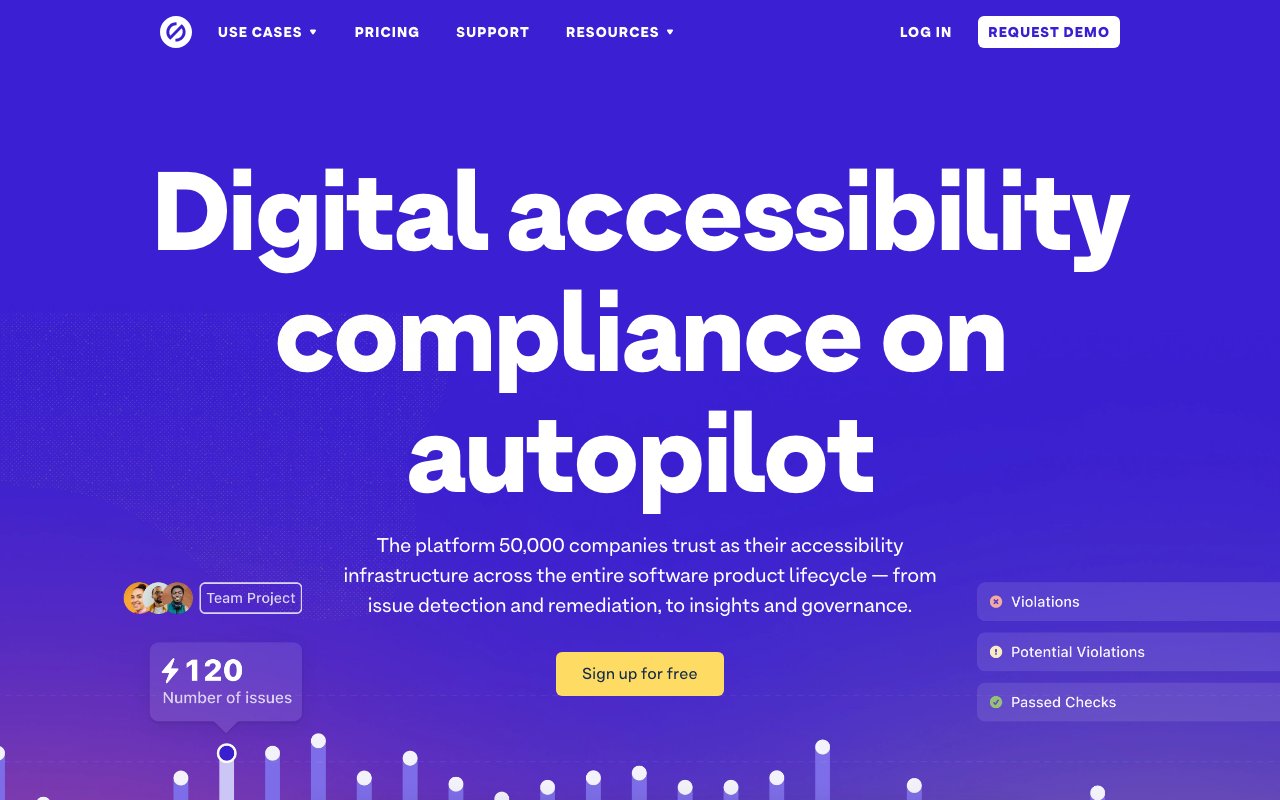
Stark: Comprehensive accessibility suite
Stark is a comprehensive accessibility suite that integrates with design tools like Figma, Sketch, and Adobe XD to help designers check contrast, simulate vision conditions, and ensure accessible color choices. It provides real-time accessibility feedback during the design process, making it easier to catch and fix issues before they reach development.
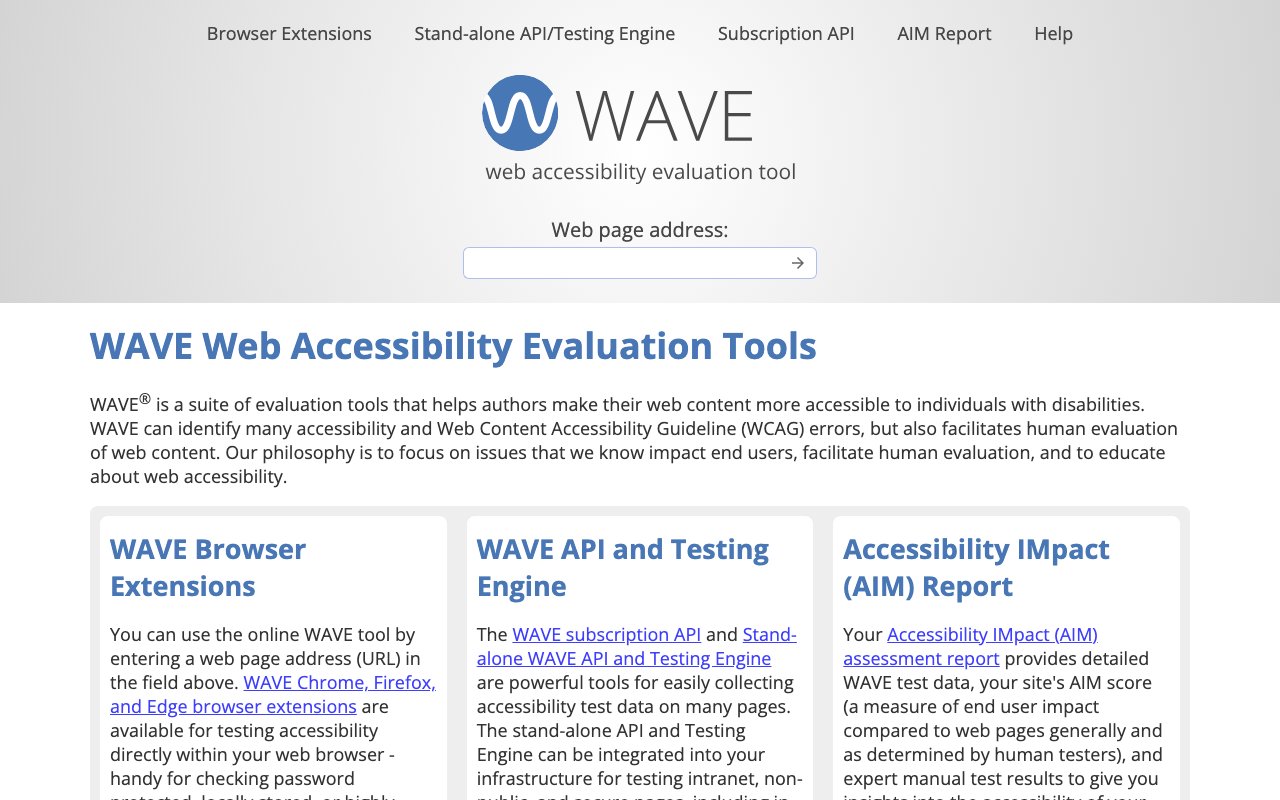
WAVE: Web accessibility evaluation tool
WAVE (Web Accessibility Evaluation Tool) provides visual feedback about the accessibility of your web content by injecting icons and indicators into your page. It helps identify accessibility errors, alerts, and structural elements, making it easy to see exactly where issues exist and understand their impact on users.
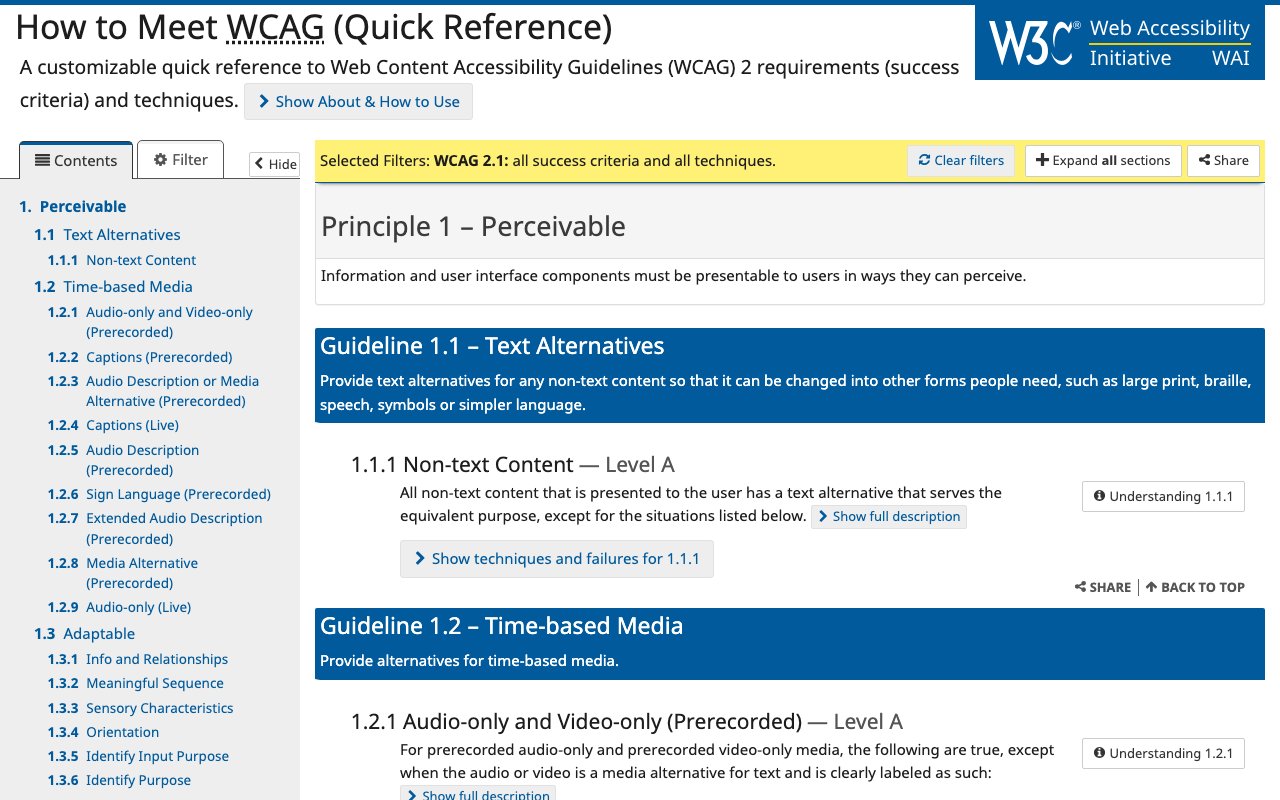
WCAG Guidelines: Official accessibility quick reference
The Web Content Accessibility Guidelines (WCAG) Quick Reference is the official, authoritative source for web accessibility standards and requirements. It provides a filterable, searchable interface to explore all accessibility guidelines, success criteria, and techniques, making it the definitive resource for understanding what makes content accessible.
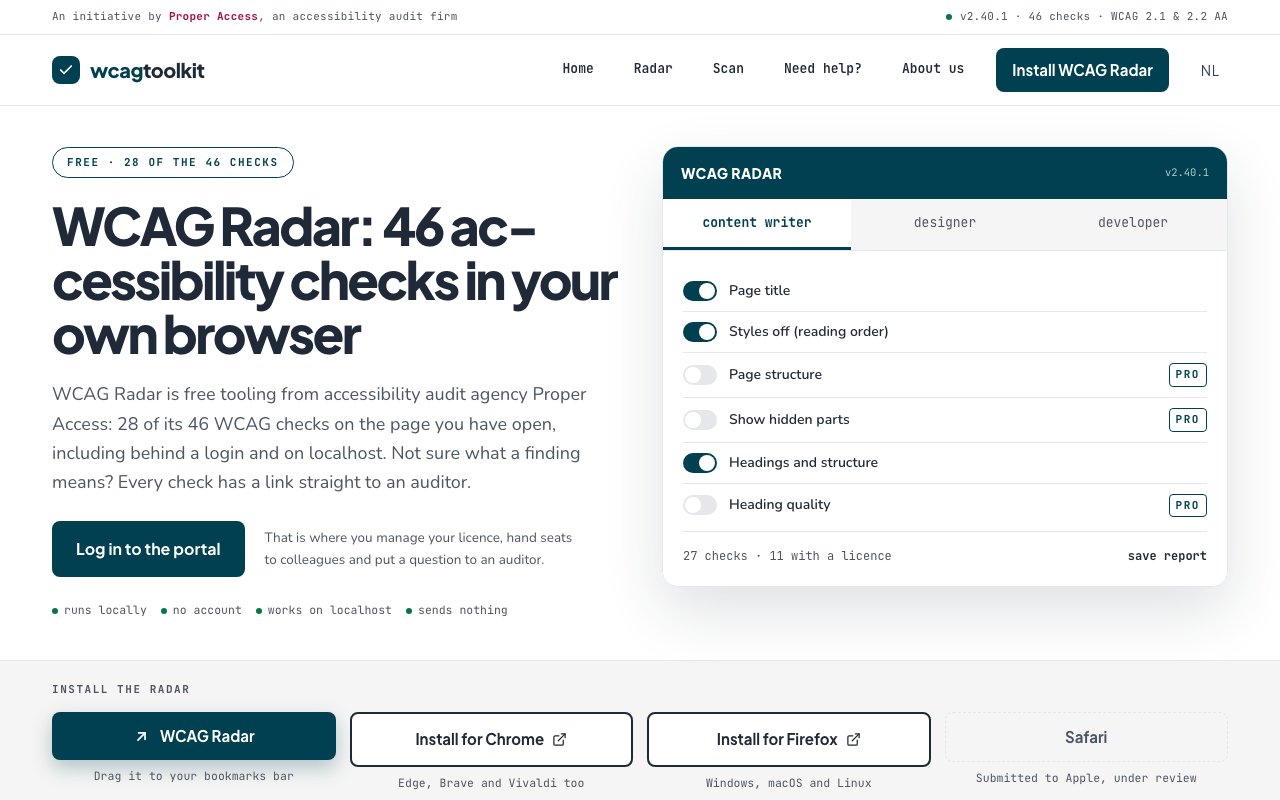
WCAG Radar
newBrowser-based WCAG audit tool with 46 checks split across content, design, and development. Runs locally on pages behind logins or on localhost, with 28 checks available free and optional report export.
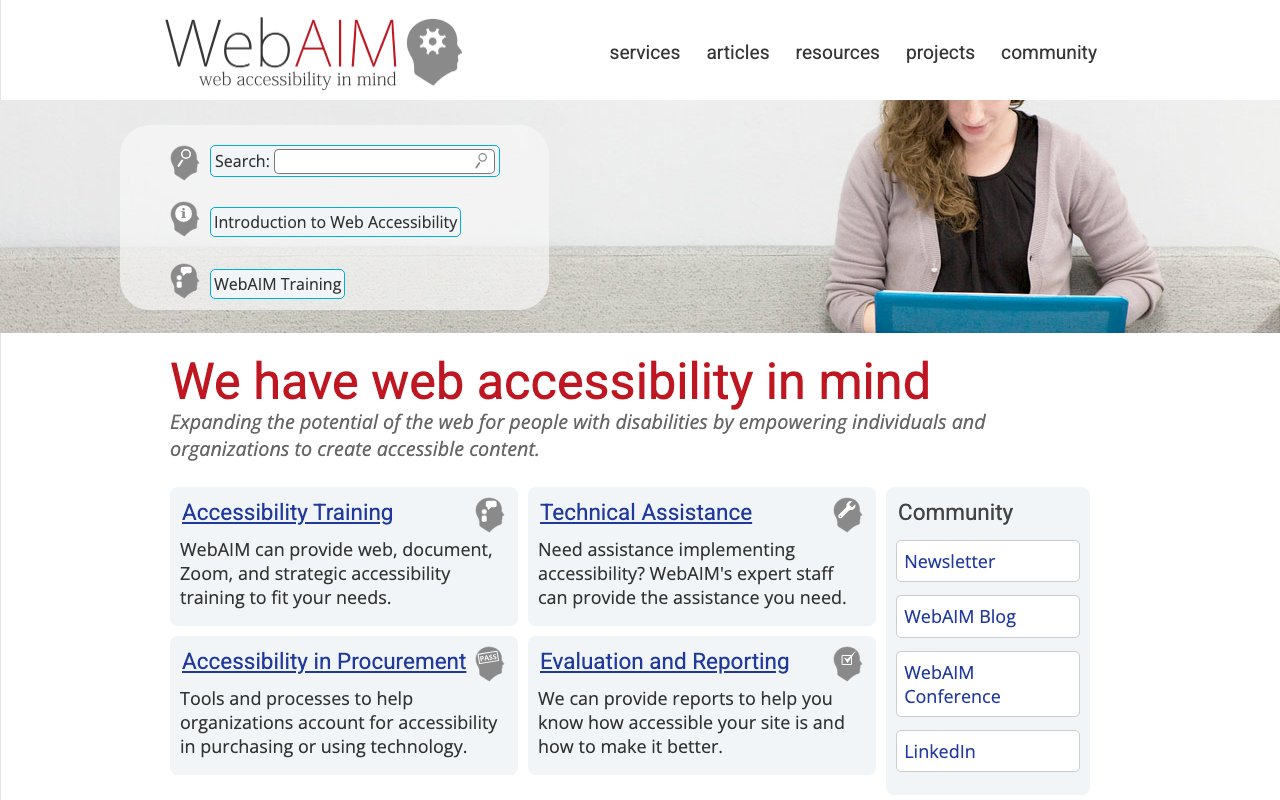
WebAIM: Web accessibility in mind
WebAIM (Web Accessibility In Mind) is a comprehensive educational resource providing in-depth articles, tutorials, and training materials on web accessibility. It offers both technical guidance and conceptual understanding of accessibility principles, making it an invaluable resource for anyone looking to build more inclusive digital experiences.
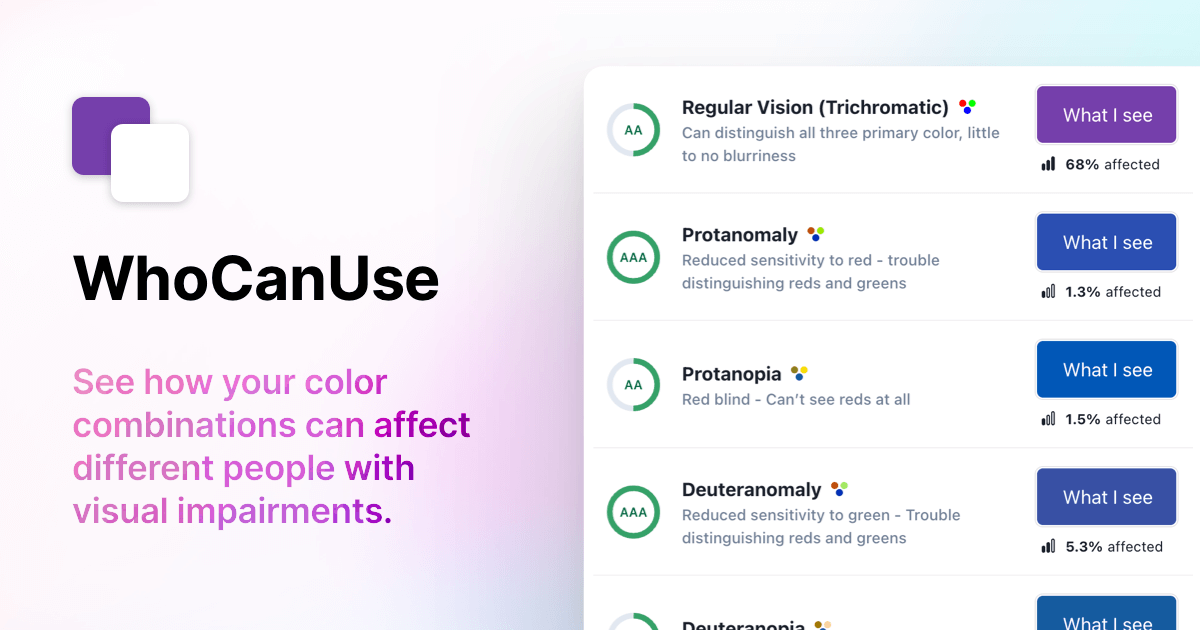
Who Can Use: Vision impact simulator
Who Can Use shows how color contrast affects people with different types of vision, including various forms of color blindness and low vision conditions. It provides a powerful visual demonstration of why accessibility matters by showing exactly who can and cannot perceive your color choices clearly.