
Command Palette
Search for a command to run...
figma(53)
tagged resources
figma Resources

A11y Annotation Kit: Figma accessibility annotations
The A11y Annotation Kit is a comprehensive Figma library that provides standardized accessibility annotation components for design handoffs. It helps designers communicate accessibility requirements to developers through clear, consistent annotations that cover focus states, screen reader labels, keyboard navigation, and more.
Able: Figma accessibility plugin
Able is a Figma plugin that helps designers check color contrast ratios, simulate different types of color blindness, and ensure their designs meet WCAG accessibility standards. It integrates seamlessly into the design workflow, allowing real-time accessibility checking without leaving the design environment.
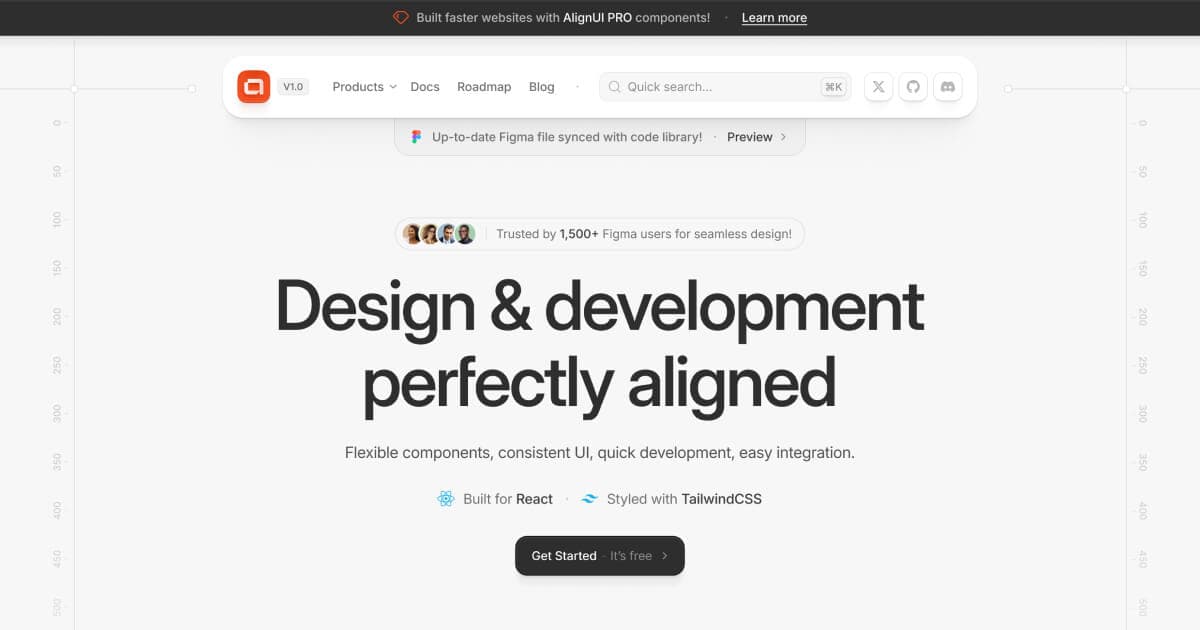
AlignUI: Code-Implemented Design System
Professional design system with 7,800+ components and code-implemented variants. Features 80+ unique widgets, Figma variables support, and dark mode compatibility. Lightning-fast performance designed specifically for enterprise SaaS dashboards and admin interfaces.

Apple iOS 18 UI Kit: Official Apple Design Resources
Apple's official iOS 18 UI kit containing hundreds of components with Auto Layout, Component Properties, variants, and light/dark mode support. Includes system interfaces, widgets, notification templates, and comprehensive typography with accessibility sizes for native iOS development.
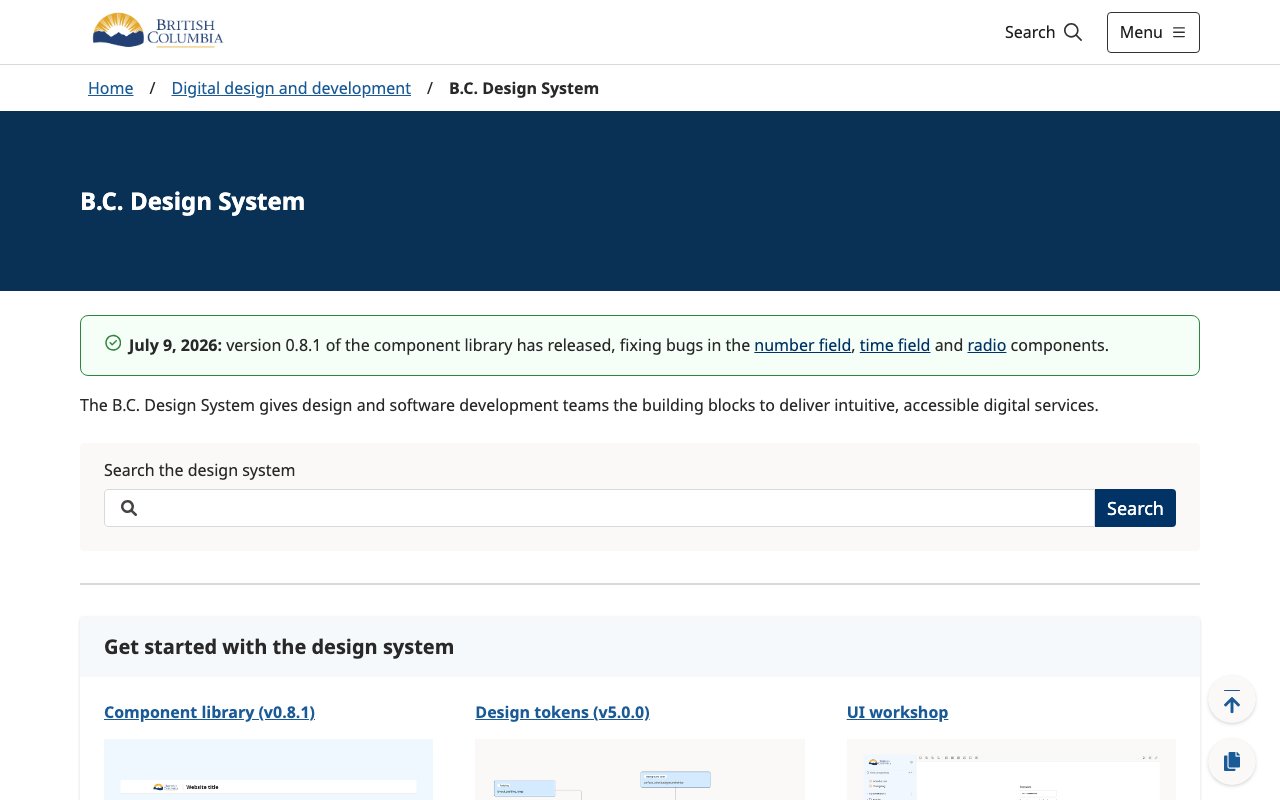
B.C. Design System
Province of British Columbia design system with Figma tokens, CSS and JavaScript variables, and React components for consistent government service interfaces.
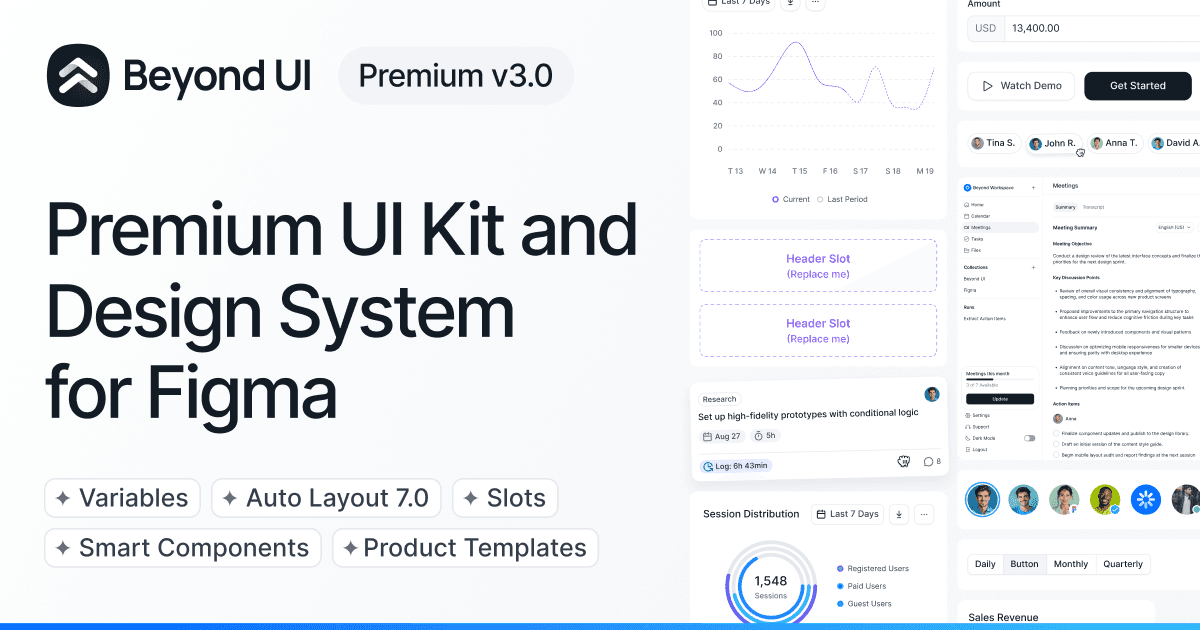
Beyond UI: Advanced Landing Page System
Advanced UI kit using Auto Layout 7.0 with slot-based system for landing pages and websites. Features nested instances, variables for dark mode, and thousands of component instances from master variants. Perfect for modern website builds with easy variant management.
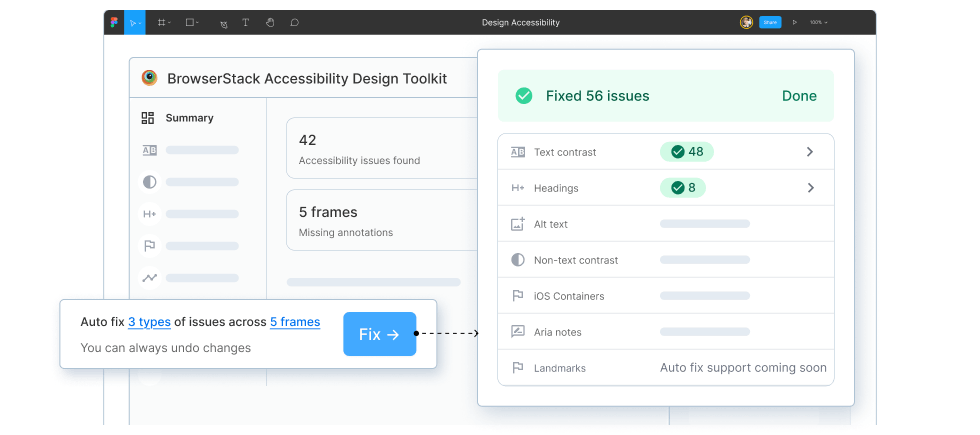
BrowserStack Accessibility Design Toolkit
newFigma plugin for scanning layouts and components for accessibility issues, documenting focus order and ARIA intent, and handing annotated guidance to developers before implementation.

Building accessibility into a canvas-based product
Figma’s technical case study on making a canvas-based editor accessible through an internal accessibility tree, Mirror DOM, selection sync, and screen-reader announcements.
Crystal SVG Generator
Create unique crystal shapes perfect for AI products with one-click copy to Figma

Figma 2026 Web Design Trends: Depth With Intention
Figma's 2026 web design trends overview — including 3D, AR, and spatial elements rising in design systems, with a core principle: depth should enhance navigation only, not serve as decoration. Covers immersive UI, kinetic typography, and AI-generated personalization.

Figma AI for Product Design
Figma's resource library on AI in product design: multi-agent workflows chaining research → wireframing → UI agents, cutting research cycles by 10x. Covers how to leverage AI tools throughout the design process.

Figma Canvas Is Now Open to Agents
AI agents can now design directly on the live Figma canvas — read, write, and iterate alongside designers in real-time. The biggest Figma platform shift since auto-layout.
Figma Community Resources
Official open-source index of Figma plugins, widgets, agent skills, and developer references. Useful for finding working examples and source code for extending Figma and its MCP workflows.

Figma Make
Figma Make is an AI-powered generator that learns from your existing design system to produce team-specific UI patterns. Describe what you want in natural language and it outputs components that already match your brand tokens, spacing, and component conventions.

Figma MCP + Cursor AI Design Workflow
How to use Figma MCP with Cursor to build an AI-powered design system — shifts designer role from maker to director, freeing engineering bandwidth while keeping design on-brand.

Figma Motion
Timeline-based animation inside Figma with keyframes, animated components, motion variables, and time-based comments. Dev Mode exports motion as CSS, JSON, React, or Motion.dev code.
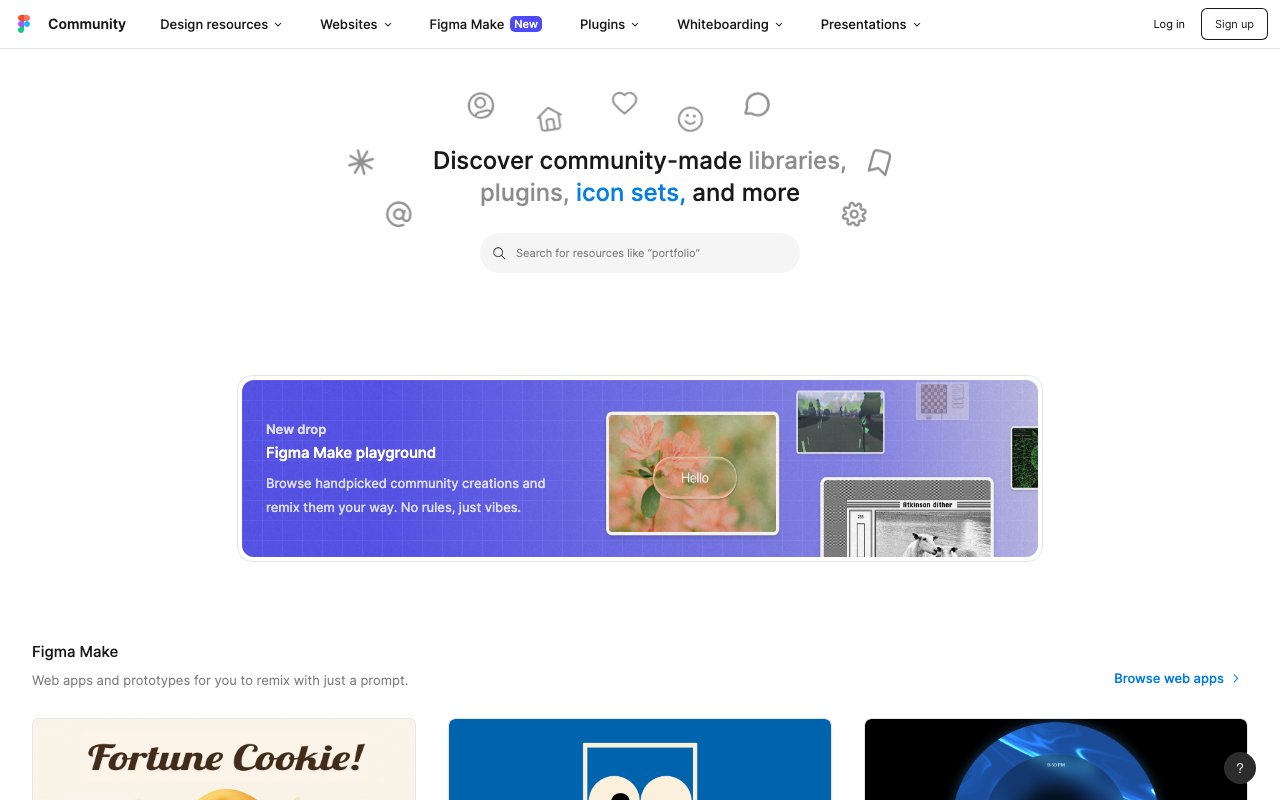
Figma UI Kits
The Figma Community's UI kit collection features hundreds of free and premium design kits — from Material Design and iOS components to custom systems and wireframe kits. A starting point for finding pre-built component libraries to accelerate your Figma projects.
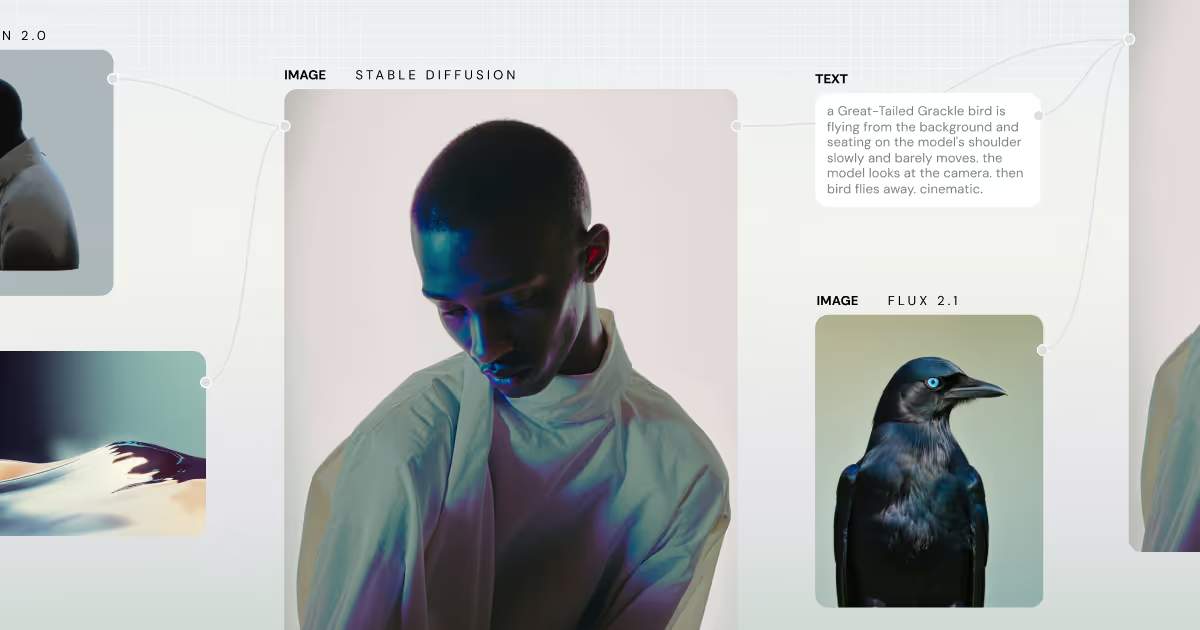
Figma Weave
newNode-based creative canvas for combining AI image, video, 3D, and editing models into repeatable workflows. Its Figma node keeps brand frames synced for campaign variants and localized assets.
Figma Web Design Trends 2026: Depth with Variables
Figma's guide to 2026 web design trends — framework-specific design system kits now mandate Variables for AI-driven theme switching and executable design tokens. Shows where design-to-code infrastructure is heading.
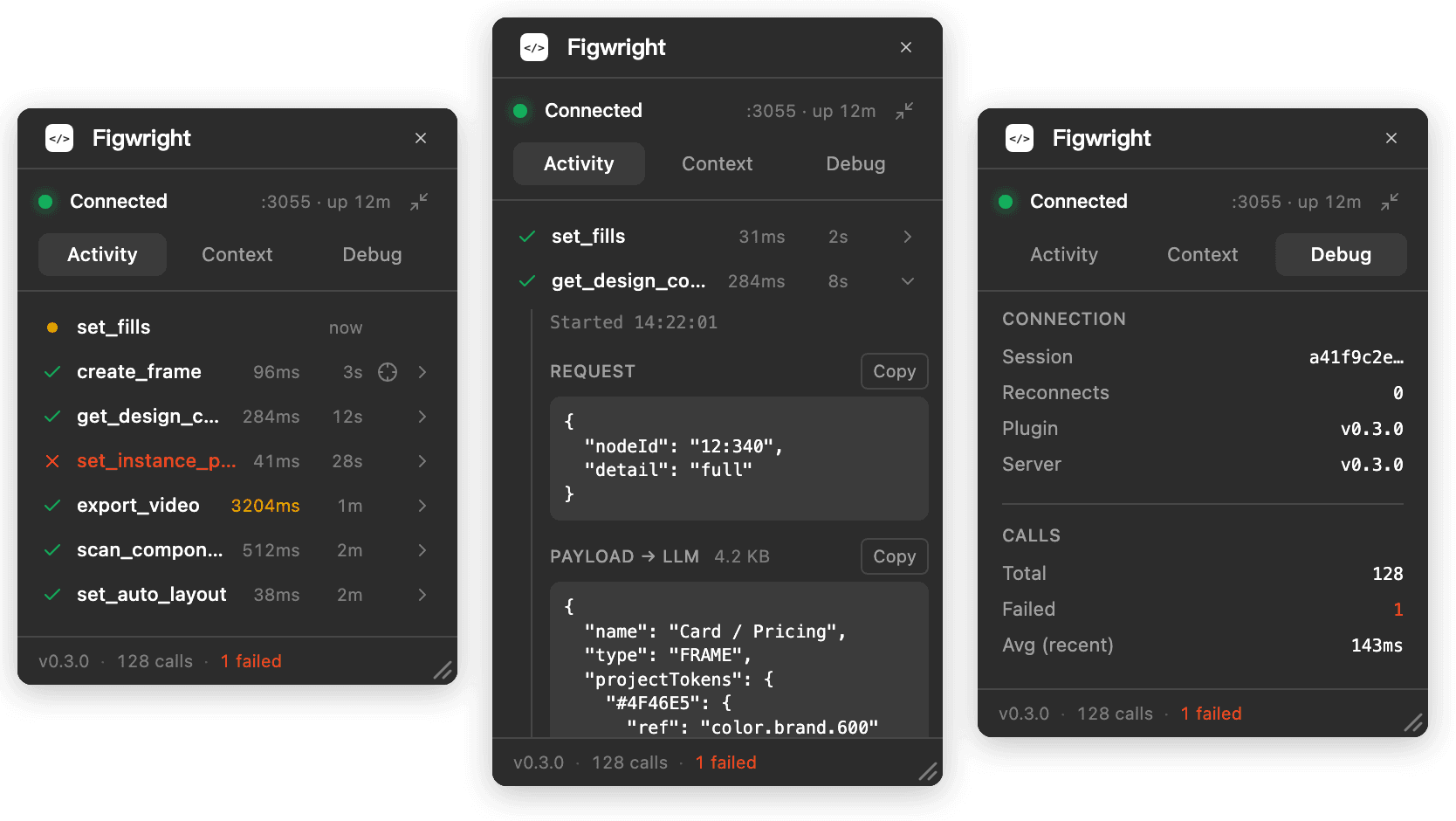
Figwright
newOpen-source bridge between AI agents and Figma that reads selections into framework-aware code and writes changes back to the canvas through a local MCP server and Figma plugin.
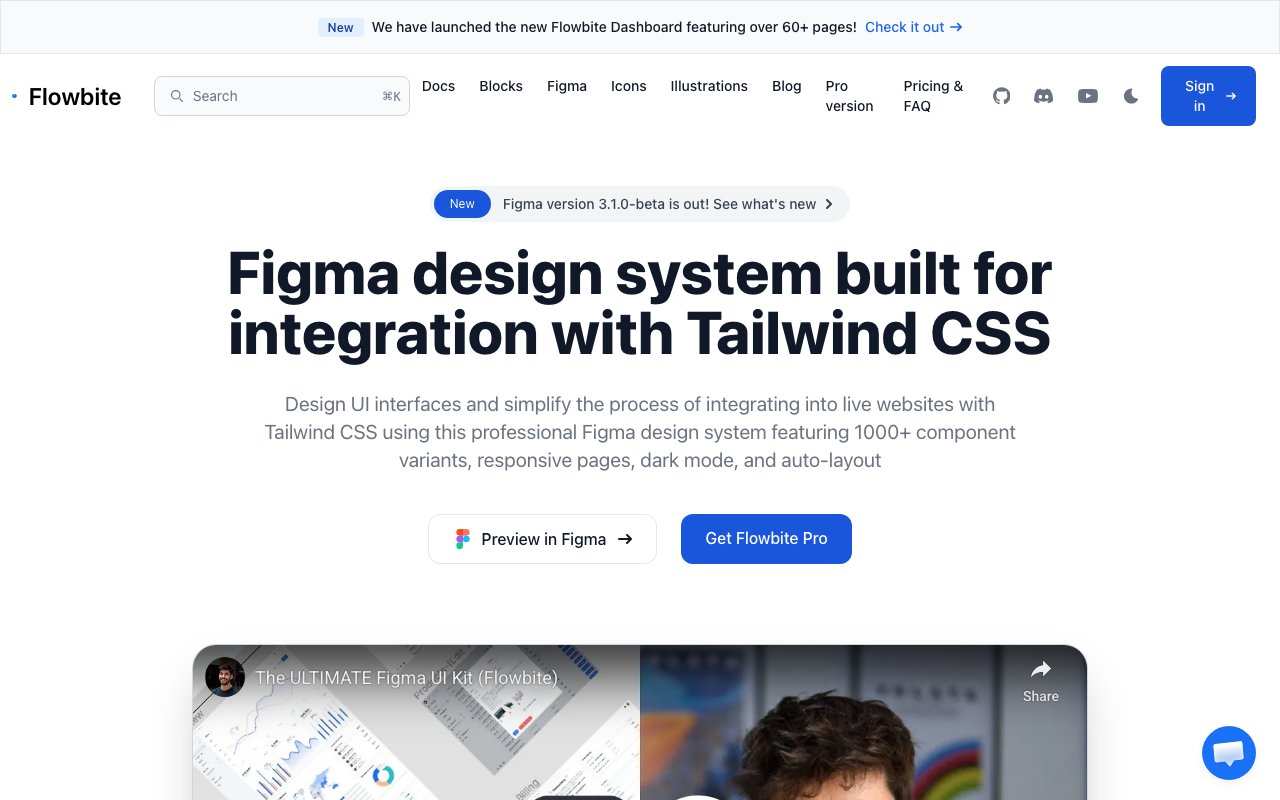
Flowbite: Tailwind CSS Component Library
Tailwind CSS-based component library with 27+ pages and responsive examples. Features seamless Tailwind integration with comprehensive documentation and code examples. Perfect for developers building with Tailwind CSS who need design-to-code consistency.
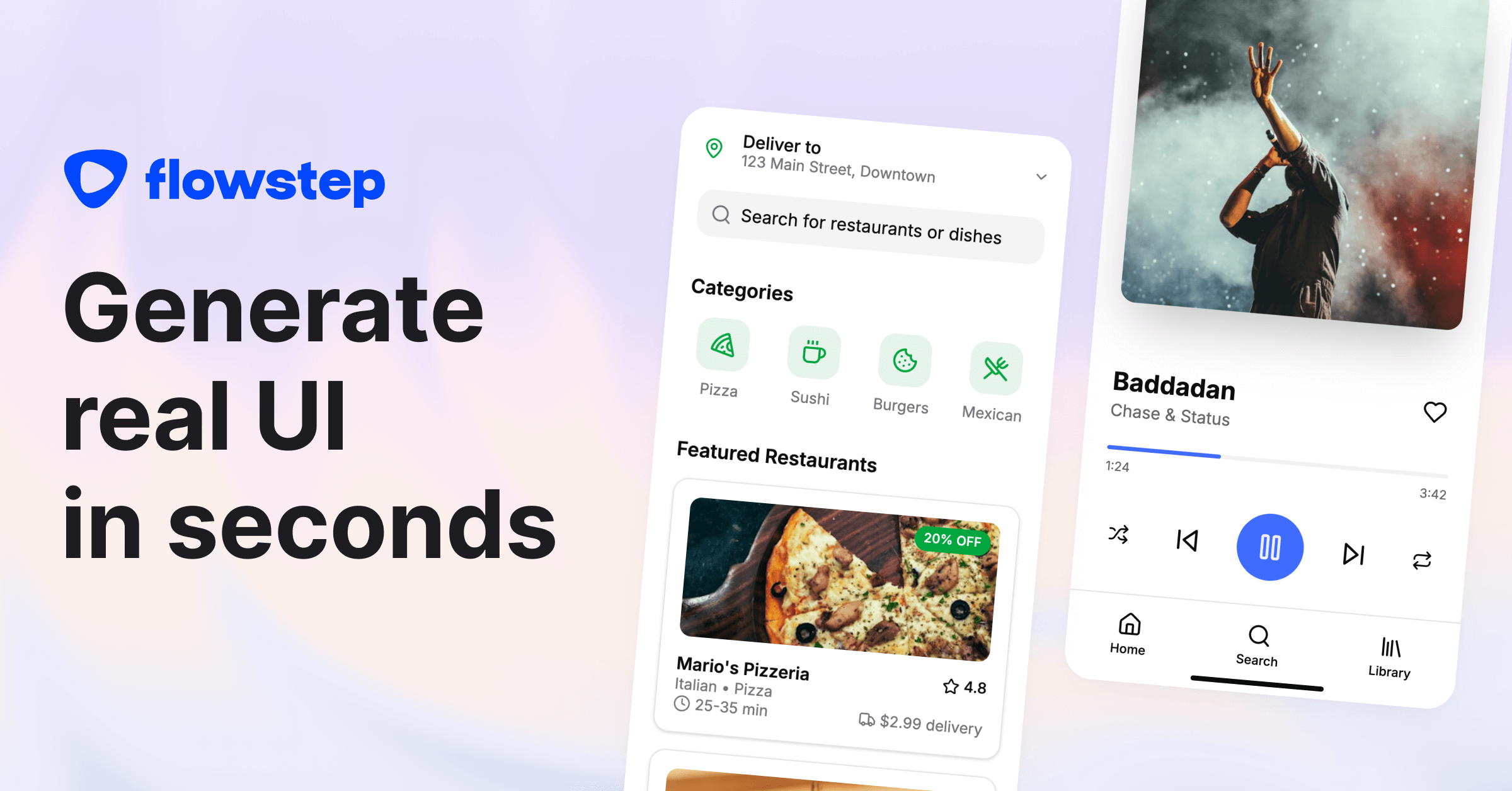
Flowstep
Generates complete 5-15 screen user journeys from a single text prompt. Exports directly to Figma (preserving layers and components) and outputs clean React/TypeScript/Tailwind code. Removes the gap between wireframe ideation and production-ready design.

Frames X: Mid-Weight Design System
Well-balanced design system with 5,500+ components featuring Auto Layout, dark mode support, and 420+ building blocks with comprehensive iconography. Ideal for mid-weight web and app designs requiring solid component coverage without overwhelming complexity.
Fusion 1.0 by Builder.io
Fusion 1.0 closes the designer-to-developer gap with context-aware AI code generation from Figma designs plus Slack conversations. Understands your team's existing codebase and patterns to generate production-ready components without the usual handoff friction.
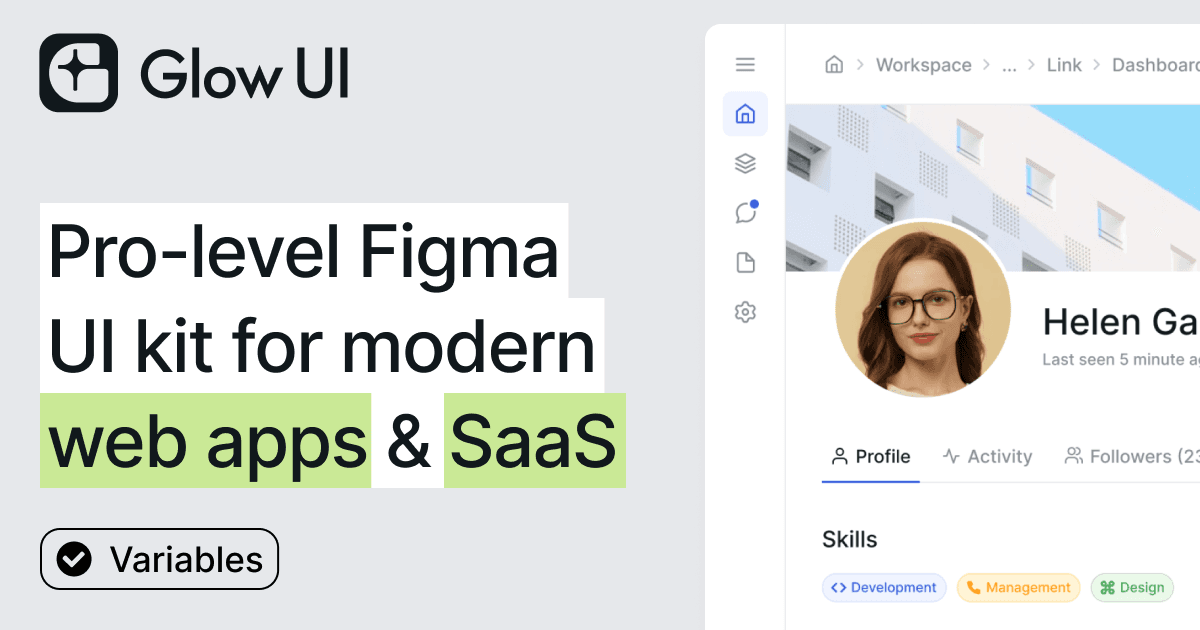
Glow UI: Modern Web App Design System
Complete design system for web applications with 6,500+ components, wireframe mode, multi-theming support, and 440+ icons. Regular updates through Config 2025 with Auto Layout compatibility. Ideal for SaaS platforms, dashboards, and admin panels.
html.to.design — Convert Any Website into Editable Figma Designs
html.to.design converts any website into fully editable Figma designs. Paste a URL, drop in HTML/CSS, or capture private/logged-in pages via the Chrome extension. Outputs real text, images, and proper layer hierarchy with auto layout — ideal for redesigns, competitive audits, and rapid prototyping without building from scratch.
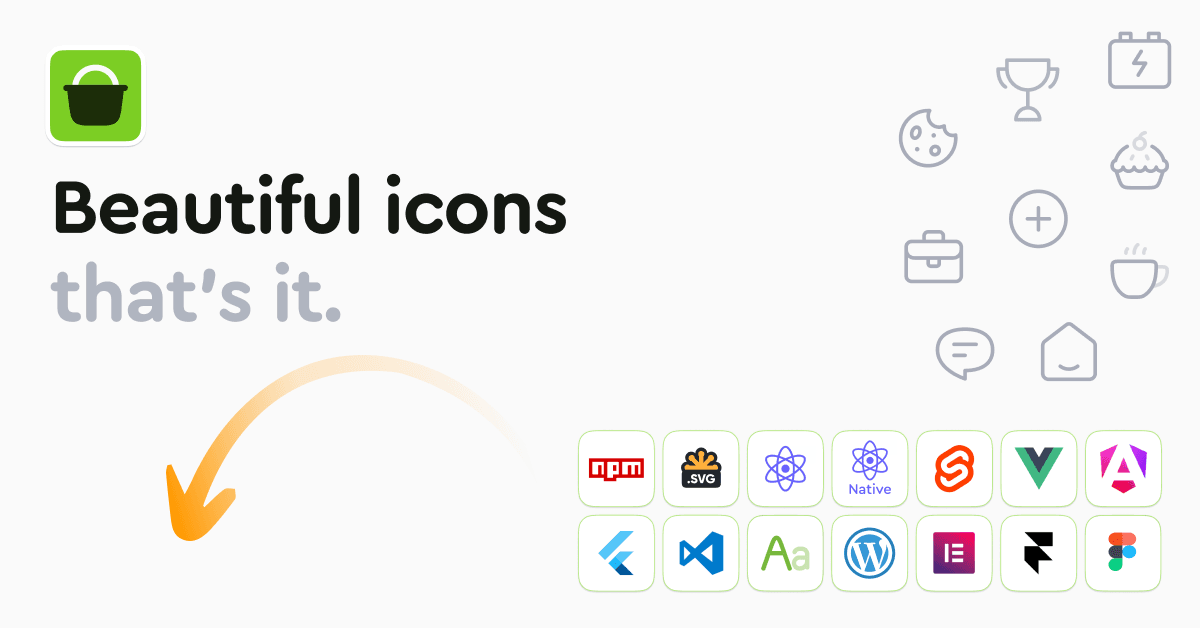
Hugeicons
4,000+ icons across 9 distinct styles and 59 categories. Available in Figma, React, Vue, and as SVG. Free and premium options.
Iconoir
1,500+ minimalist open-source SVG icons on a consistent 24x24 grid. Available for React, Flutter, SwiftUI, Figma with customizable stroke width and MIT license — clean, modern, and free.

Into Design Systems: YouTube Channel for Design Systems
A YouTube channel delivering in-depth tutorials and talks about building and maintaining design systems. Covers topics from token architecture and component APIs to Figma workflows and developer handoff — practical knowledge from experienced practitioners.

Kitbitz
newLibrary of more than 2,000 hand-drawn illustrations across themed kits, downloadable as SVG or PNG and available as Figma files. Assets are free for commercial use under CC0.
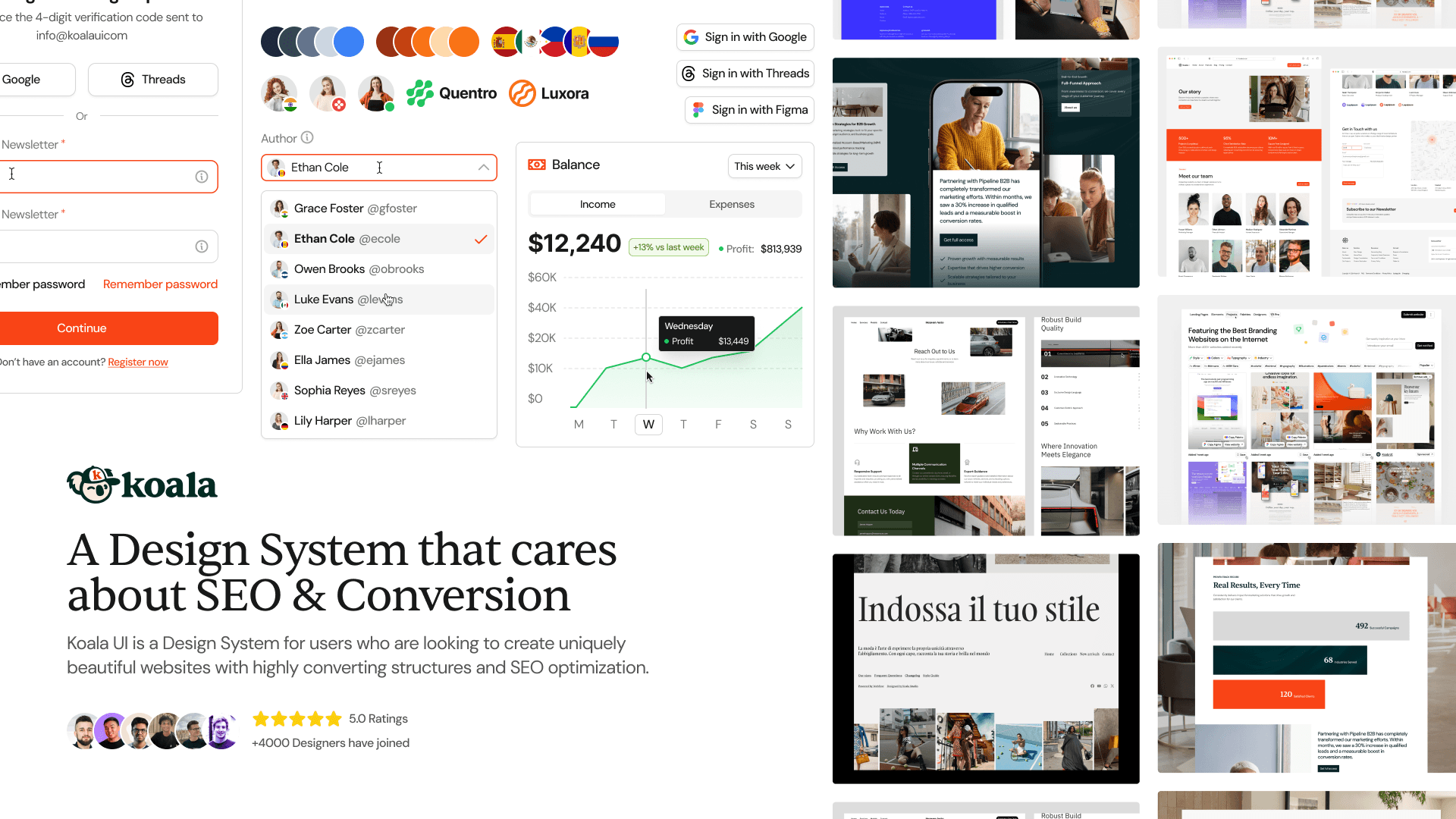
Koala UI: Cross-Platform Mobile Design System
Fully responsive mobile UI kit optimized for both iOS and Android with native components following Apple HIG and Google Material Design. Features pre-built AI app templates and ready-to-use mobile screens for rapid mobile app prototyping.
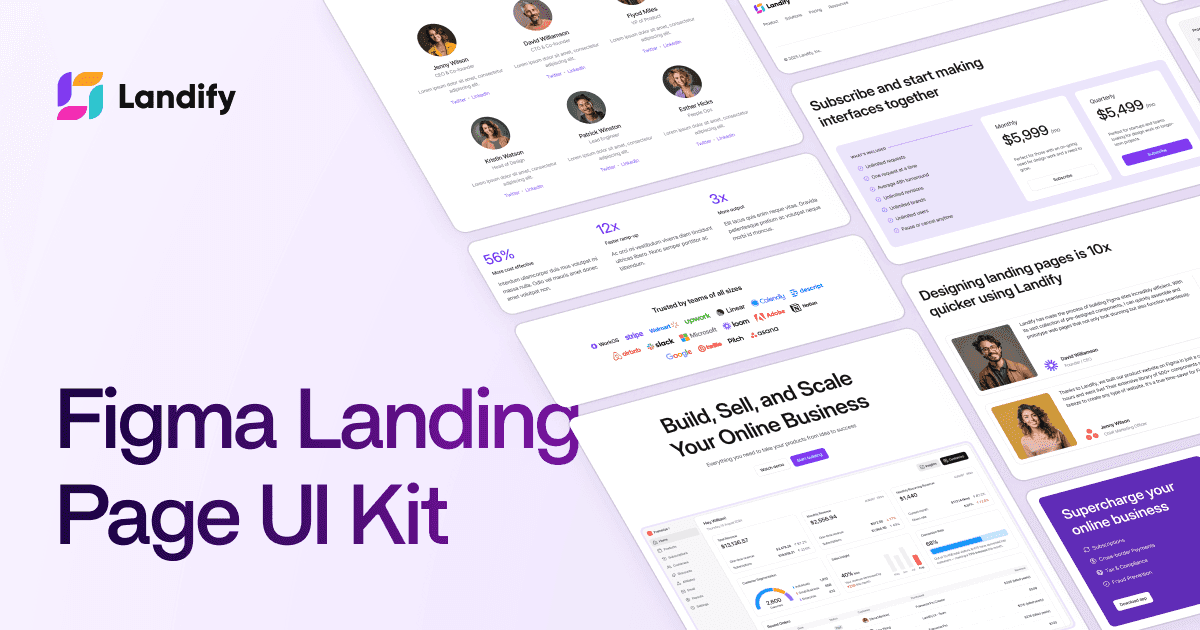
Landify: Landing Page Component Library
Specialized landing page kit with 170+ blocks, 500+ components, and responsive breakpoints for desktop, tablet, and mobile. Modular block system for heroes, features, pricing, testimonials, and CTAs designed for high-converting marketing pages.
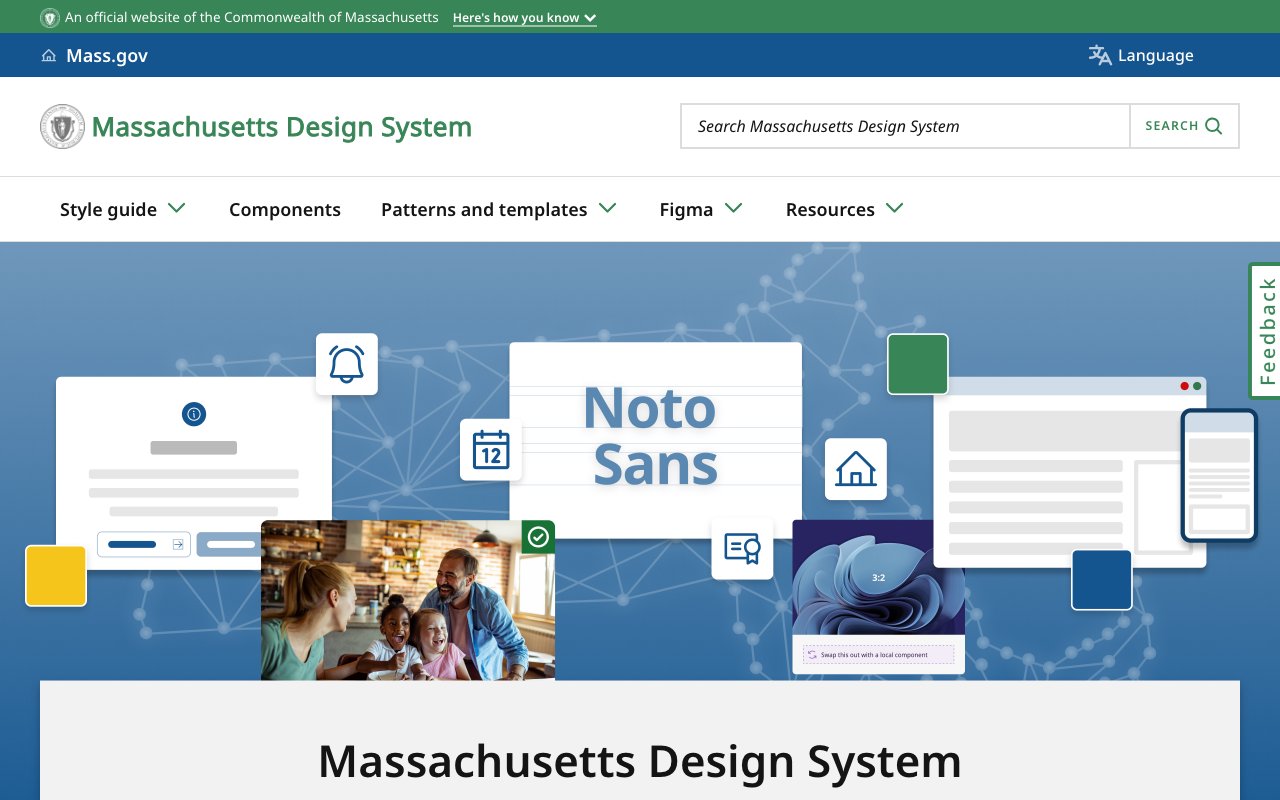
Massachusetts Design System
Public state design system with Figma components, accessible style guidance, design tokens, and icon packages. A practical reference for teams building clear, consistent government services.
Material 3 Design Kit: Google's Official UI System
Google's official Material 3 Design Kit featuring 500+ components and variants with Figma variables support, dark theme compatibility, and responsive design. Includes 300+ variables and styles, perfect for Android app design following Material Design guidelines.
Materio: Professional Admin Dashboard Builder
Professional admin dashboard kit with pre-designed elements, widgets, charts, buttons, forms, and navigation components. Reduces design time for data-driven UIs with comprehensive layouts for business intelligence and reporting interfaces.

Nord Design System
Public documentation for Nordhealth's production design system, covering 57 web components, 300 icons, tokens, accessibility guidance, Figma tooling, and patterns for dense clinical software.
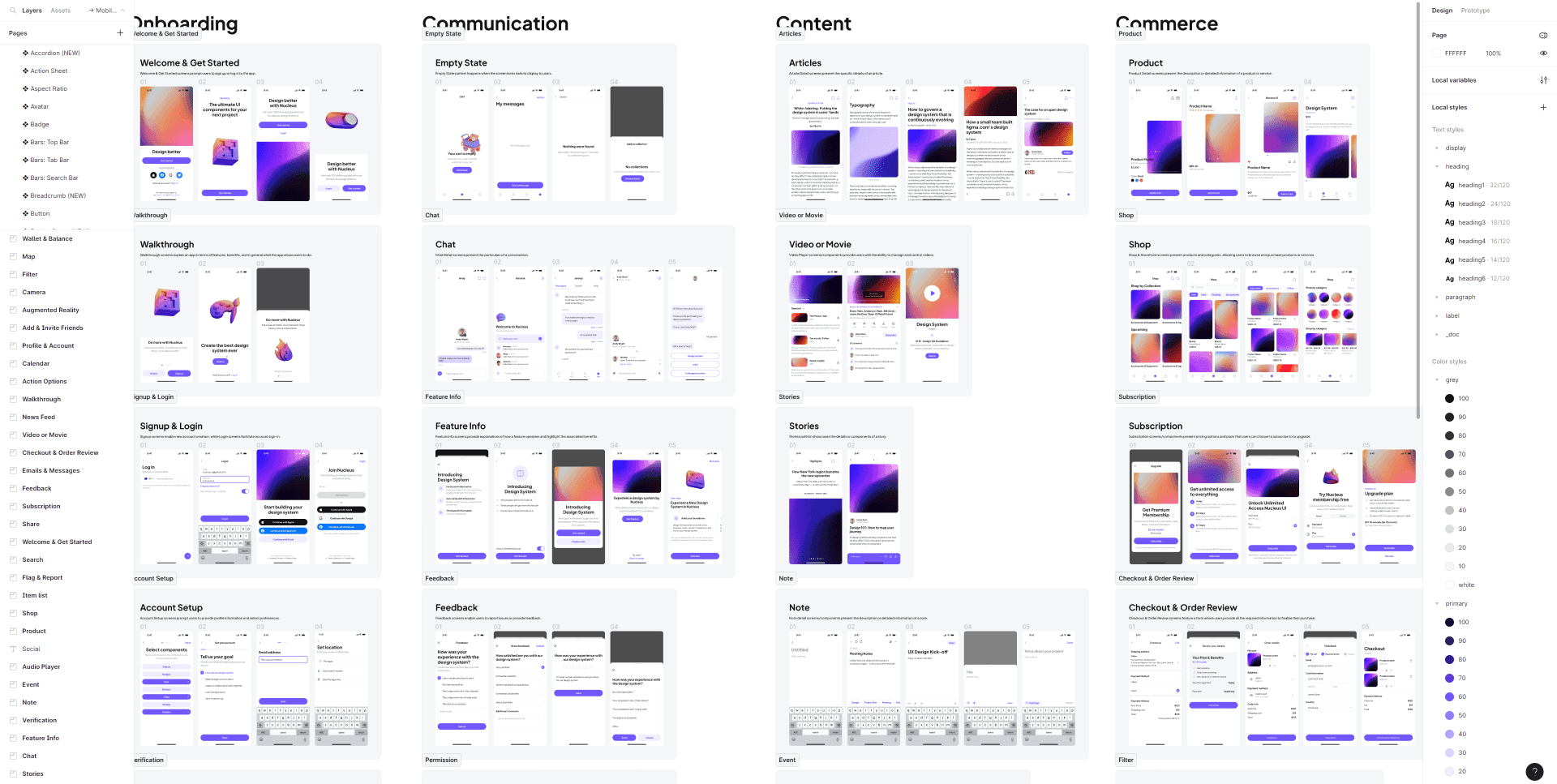
Nucleus UI: Comprehensive Mobile & Web Kit
Versatile UI kit with 1,000+ components and variants, 500+ mobile screens across 9 themes including e-commerce, finance, NFT, and events. Perfect for comprehensive app prototypes with both mobile and web components in a unified design system.
NYS Design System
Public design system for New York State services with web components, CSS utilities, design tokens, accessibility guidance, and a Figma library for agency teams.

OpenFig
newOpen-source CLI and browser tools for parsing and rendering Figma .fig and .deck files. Converts HTML decks to editable Figma Slides while preserving text, vectors, layouts, fonts, and speaker notes.
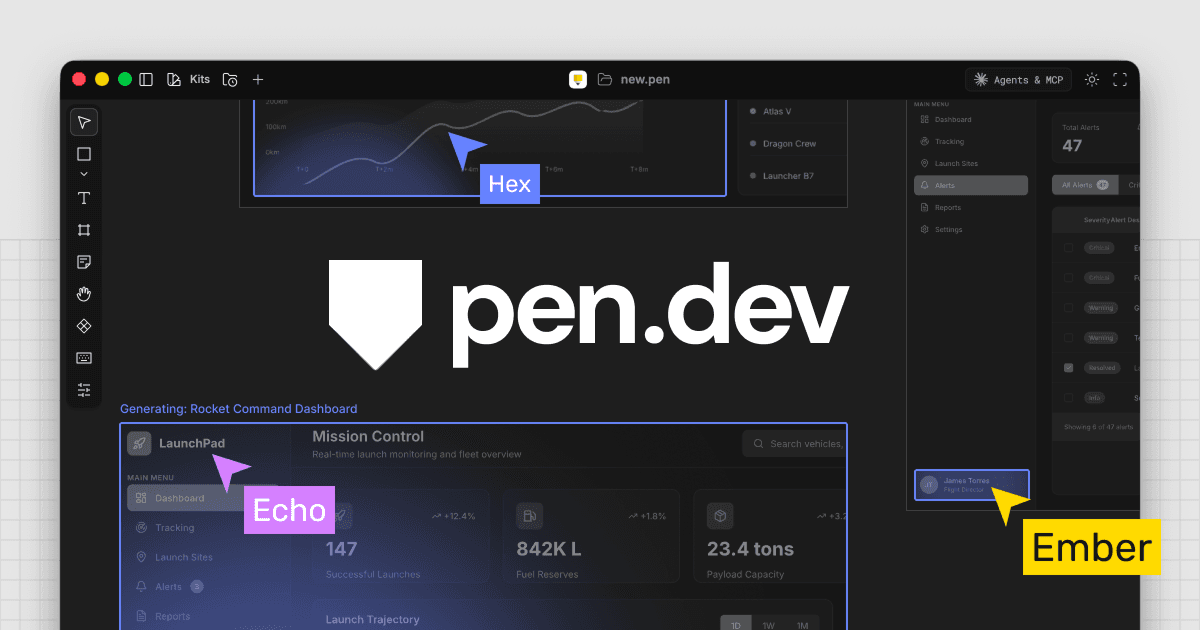
pen.dev
Vector design canvas for desktop apps and IDEs that stores open .pen files in the repo, imports Figma work, and supports bidirectional design and code changes through local MCP tools.
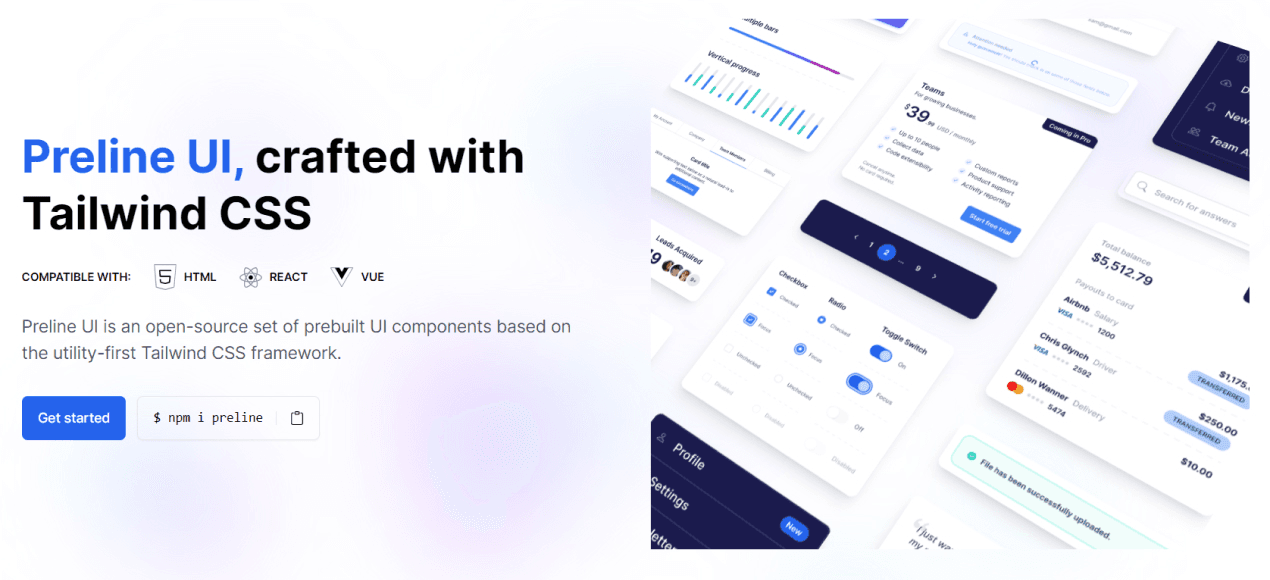
Preline UI: Free Tailwind Component Library
Comprehensive free component library with 5,000+ Tailwind CSS-based components featuring auto-layout and Figma Tokens compatibility. 100% free with extensive component coverage, perfect for Tailwind CSS projects requiring no licensing fees.
Rechroma
Web-based color-system builder that starts from an image or single color, generates Oklch scales, checks contrast, and exports palettes to Figma variables, CSS, SCSS, or PDF.

Relume
AI site-planning workspace that turns a brief into a sitemap, wireframes, and a style guide. Its 1,000+ component library exports to Figma, Webflow, React, and Claude Design.
Sendra
newFigma plugin that turns email designs into responsive, email-safe HTML with mobile and dark-mode overrides. Preview desktop and mobile layouts, then copy HTML or export a package for major email platforms.

Shift Nudge
Professional UI design training with 85 lessons across 8 modules covering typography, layout, color, and Figma tactics. Live critiques and workshops included — the best course for leveling up visual design craft.
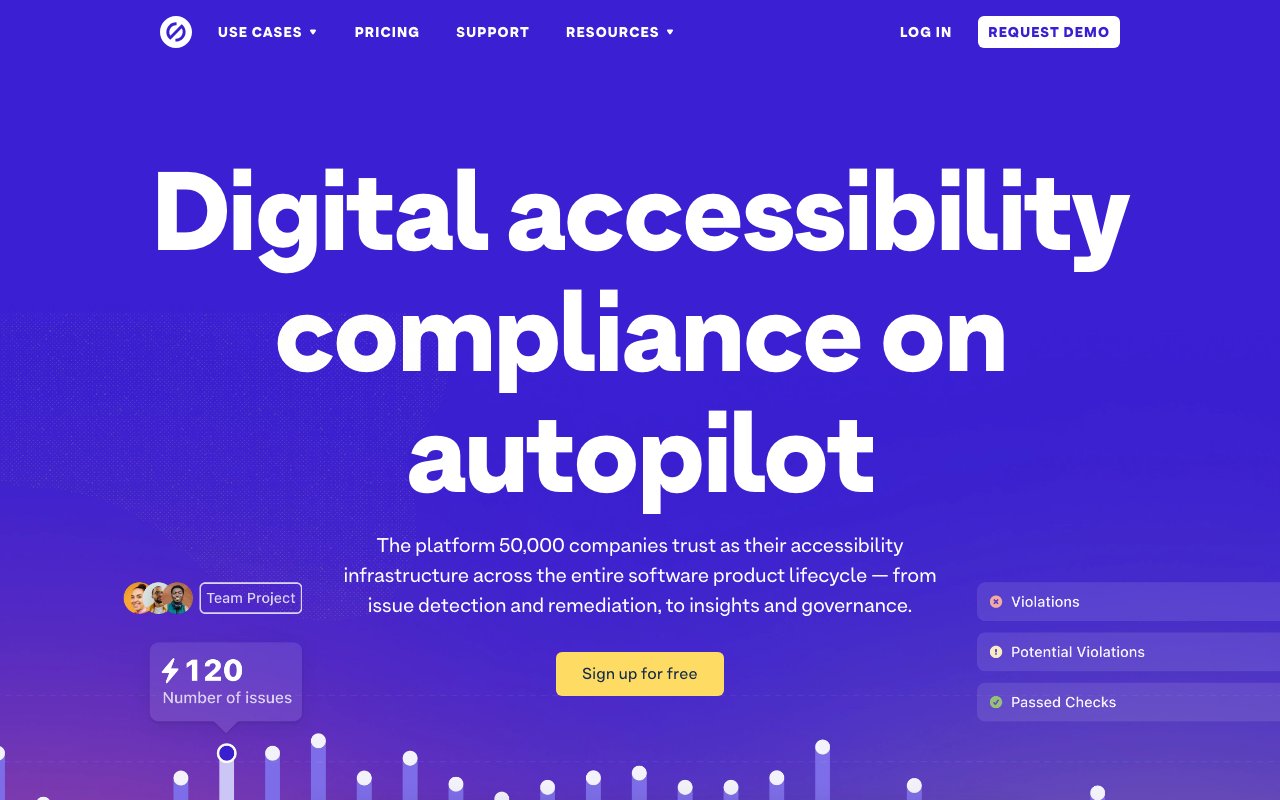
Stark: Comprehensive accessibility suite
Stark is a comprehensive accessibility suite that integrates with design tools like Figma, Sketch, and Adobe XD to help designers check contrast, simulate vision conditions, and ensure accessible color choices. It provides real-time accessibility feedback during the design process, making it easier to catch and fix issues before they reach development.
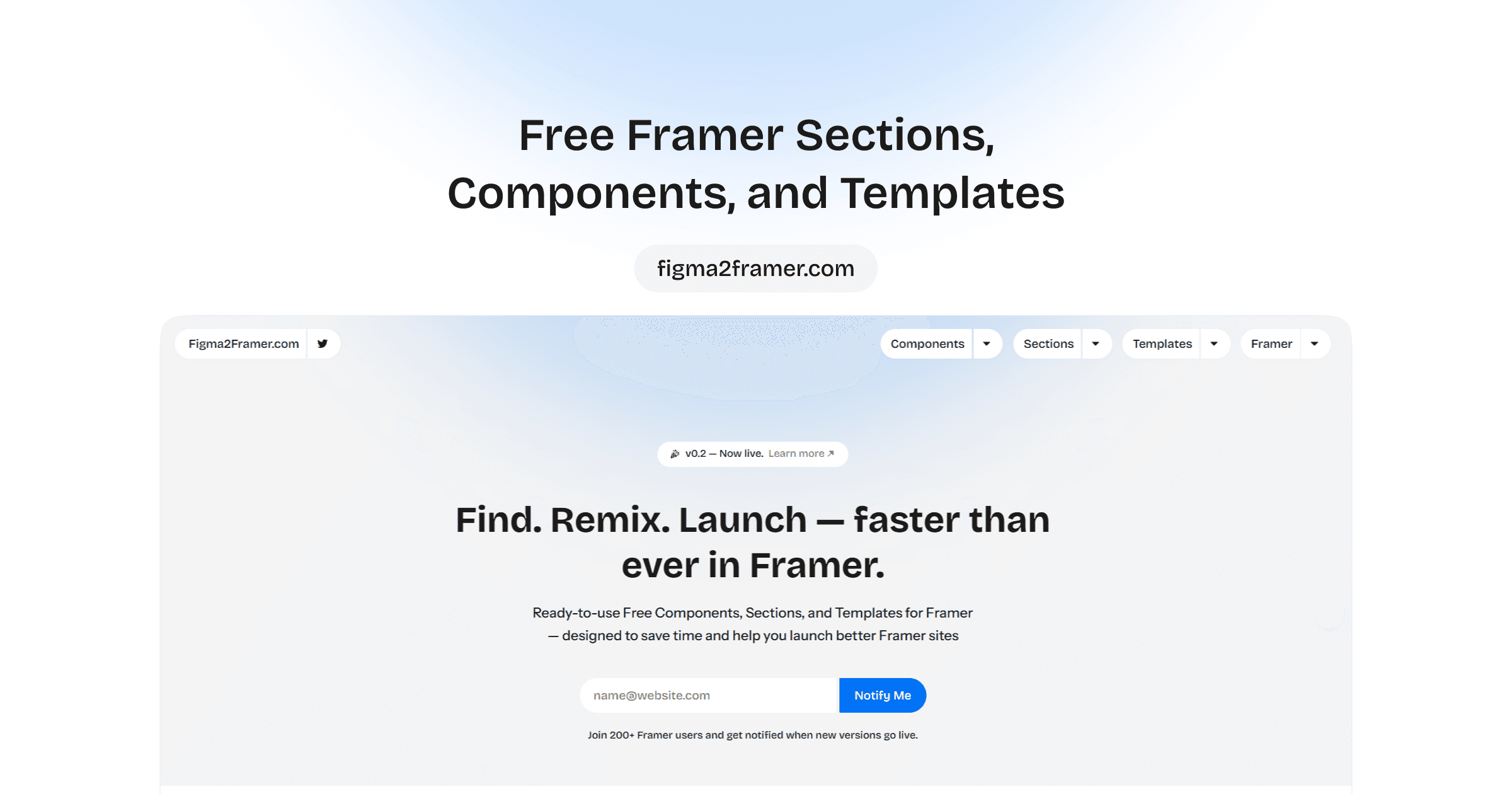
Streamline Design with Figma2Framer's Component Library
Figma2Framer provides a component library that works seamlessly across both Figma and Framer, ensuring design consistency from mockup to published site. It bridges the gap between designing in Figma and building in Framer with matched components.
Tetrisly: Multi-Platform UI Starter Kit
Comprehensive UI starter kit with 2,500+ components, 700+ icons, and 55 predefined styles. Available for both Figma and Sketch with cross-platform compatibility. Perfect for teams needing consistent design systems across multiple design tools and platforms.
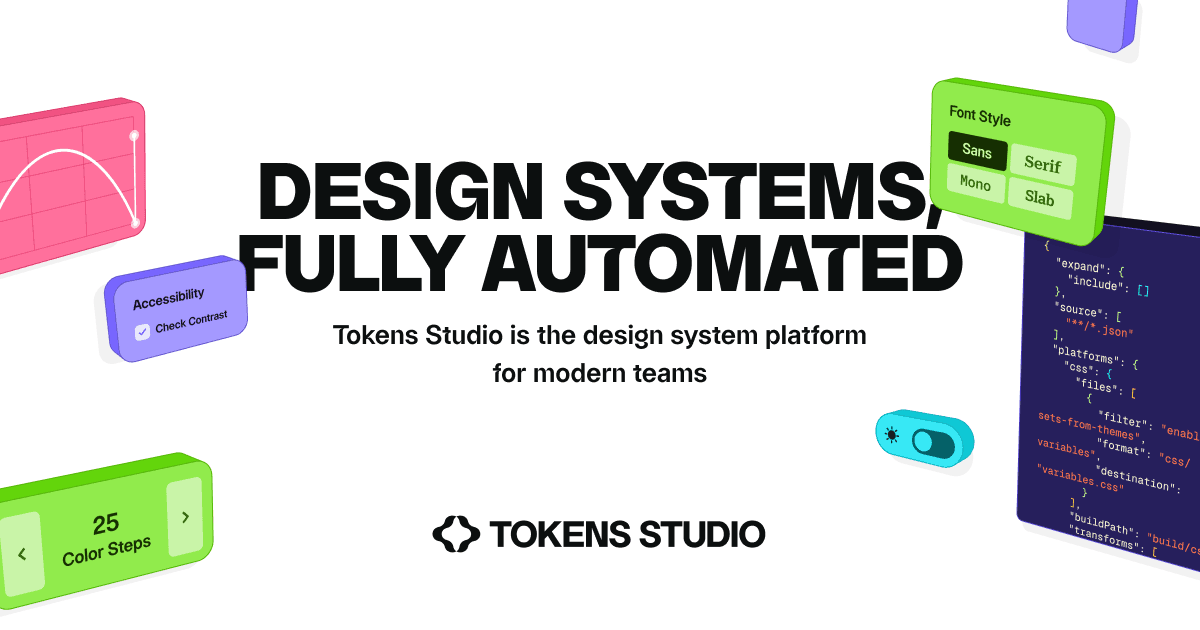
Tokens Studio Platform
Graph-powered multi-brand token architecture with contextual awareness, dynamic inheritance, and multi-mode theming. The infrastructure layer for scalable design systems that span multiple brands without losing coherence.
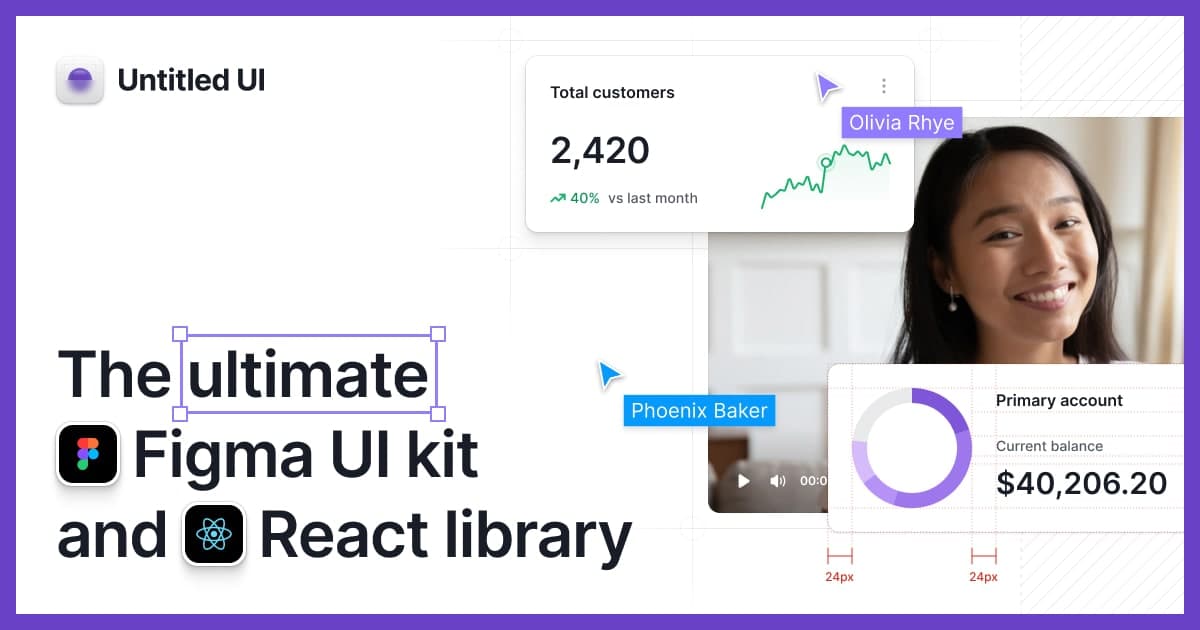
Untitled UI: The World's Largest Figma UI Kit
The world's largest Figma UI kit with 10,000+ components and variants, 900+ global styles, and 420+ page examples. Built with 100% Auto Layout 5.0, smart variants, Figma variables, and accessibility focus. Perfect for rapid prototyping and comprehensive design systems.
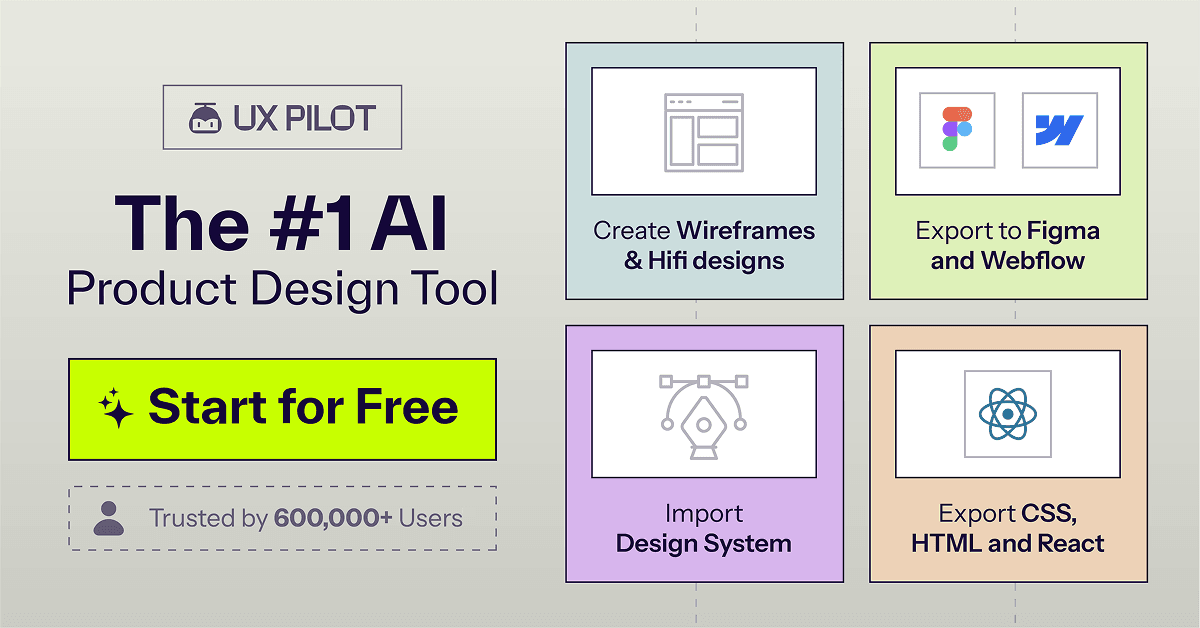
UX Pilot
Converts app screenshots into editable design files, digitizes hand-drawn wireframes, and generates custom color themes via conversation. Operates in Standard and Pro modes with Figma/HTML/CSS exports. Design reverse-engineering automated—screenshot to design system in a single operation.
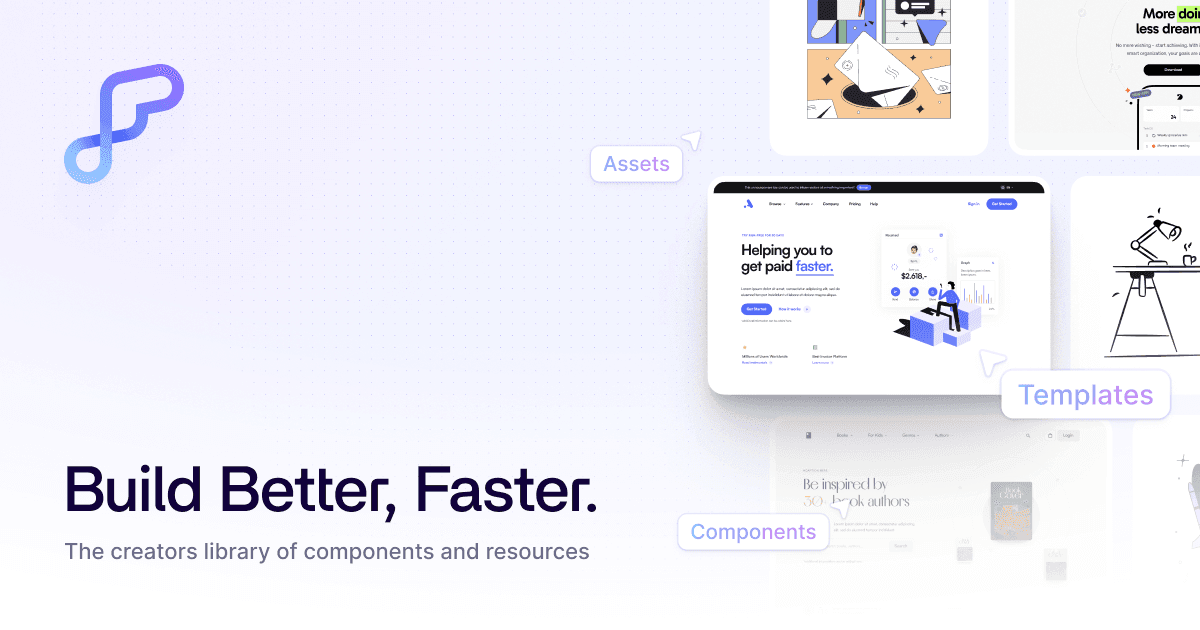
World's Largest Library of Webflow and Figma Components
Flowbase is the world's largest library of Webflow, Figma, and Framer components with 3,500+ ready-to-use elements — navbars, headers, content sections, dashboards, and more. Copy-paste components directly into your projects to accelerate design and development.
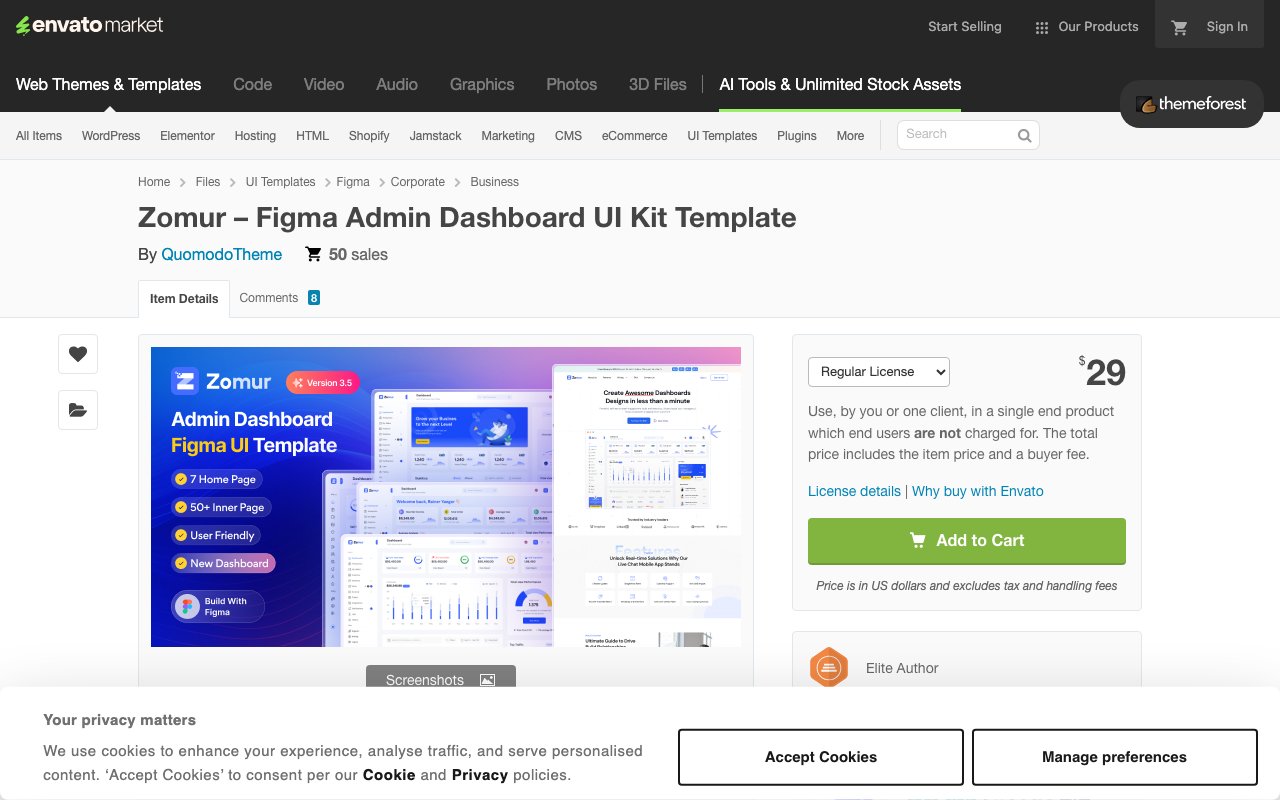
Zomur: Corporate Admin Dashboard UI Kit
Corporate-focused admin dashboard with 4 home pages, 40+ inner pages, vector icons, and light/dark themes. Pixel-perfect and fully customizable design ideal for business, finance, and sales dashboard implementations. Updated October 2024.