
Command Palette
Search for a command to run...
video(7)
tagged resources
video Resources

Creavit Studio
Native macOS screen recorder and editor with automatic zoom, cursor styling, background removal, timeline editing, and motion graphics. Built for product demos, tutorials, and launch videos.
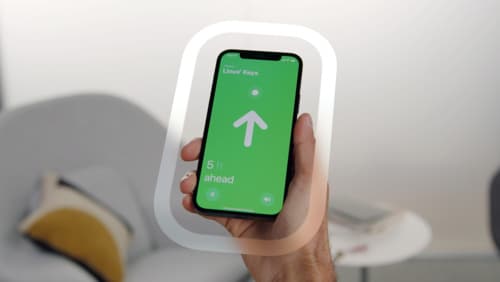
Designing Immersive User Experiences: Spatial Interaction Principles & Strategies
Apple's WWDC session on designing for spatial interaction covers principles for building immersive AR/VR experiences — spatial awareness, comfort zones, gaze-based interaction, and 3D UI patterns. Essential viewing for designers entering the spatial computing space.

Into Design Systems: YouTube Channel for Design Systems
A YouTube channel delivering in-depth tutorials and talks about building and maintaining design systems. Covers topics from token architecture and component APIs to Figma workflows and developer handoff — practical knowledge from experienced practitioners.
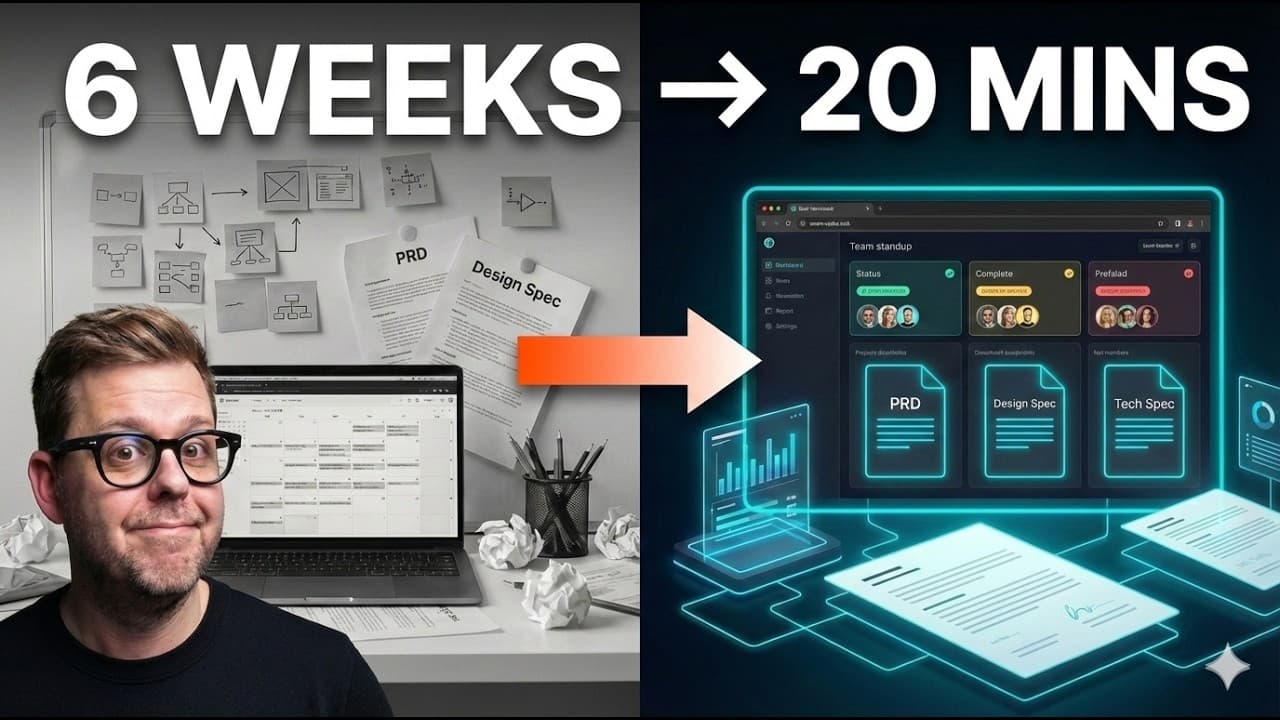
Multi-Agent Product Workflows: 6 Weeks to 20 Minutes
Real-world multi-agent product pipeline: PM agent writes PRD → Design agent prototypes → Eng agent generates scaffold. With human review checkpoints, end-to-end orchestration compresses 6 weeks of work to 20 minutes. Demonstrates practical agent chains for product delivery.
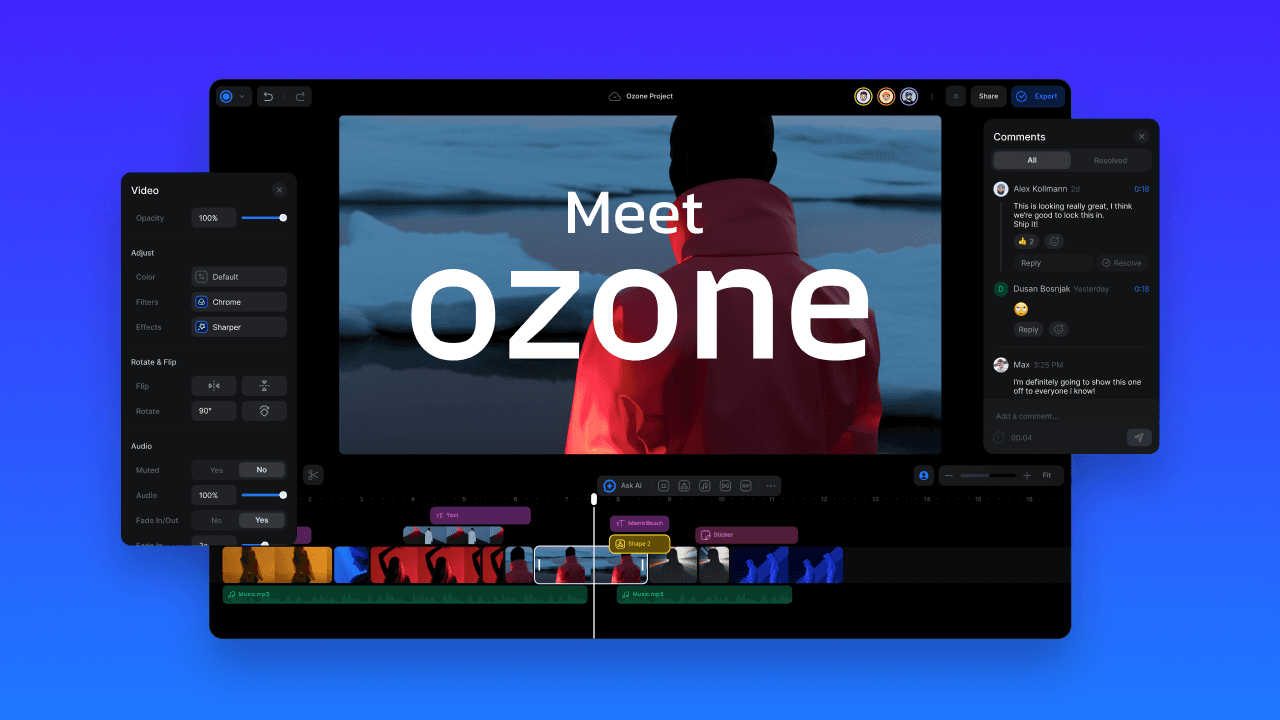
Ozone: AI-Enhanced Video Creation
Ozone is an AI-powered video creation platform that helps you produce professional-quality videos from text prompts and templates. It streamlines the video production process for marketing teams and designers who need polished video content without complex editing skills.
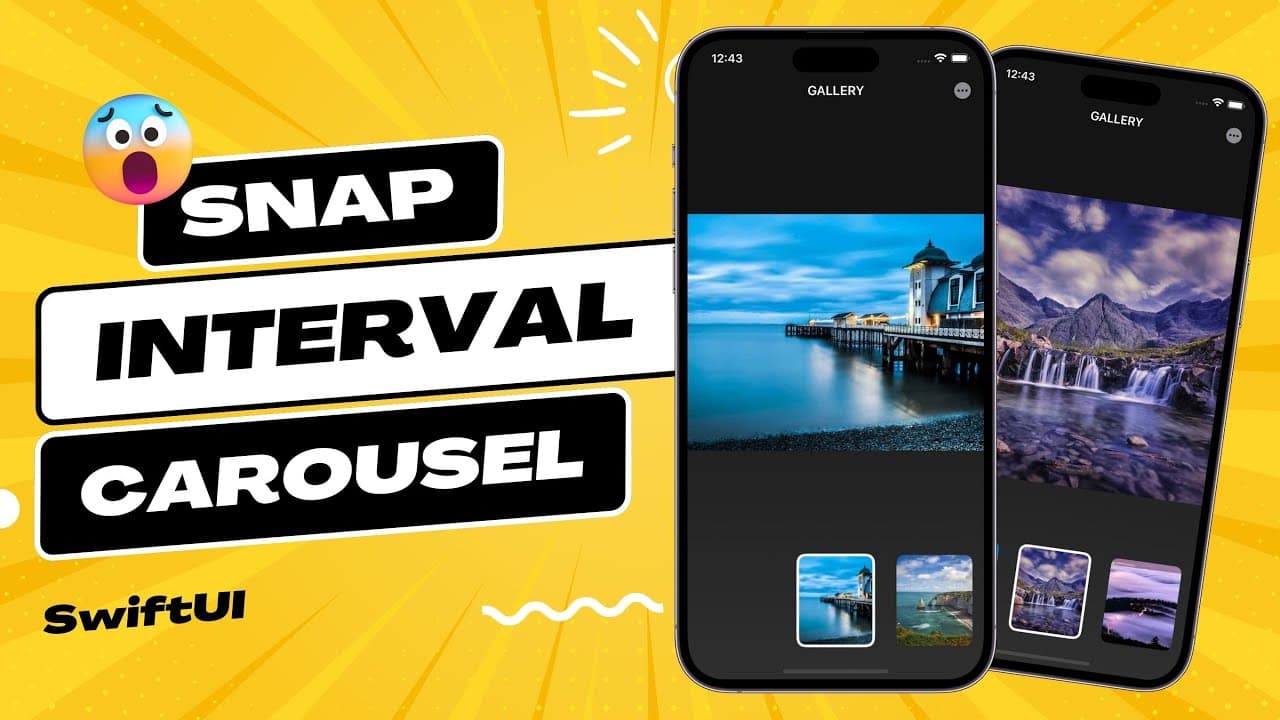
SwiftUI Snap Interval Carousel - Tutorial
A hands-on SwiftUI tutorial showing how to build a snap-interval carousel — a common mobile UI pattern where content cards snap to position as users scroll. Great for iOS designers learning to implement their own designs in SwiftUI.
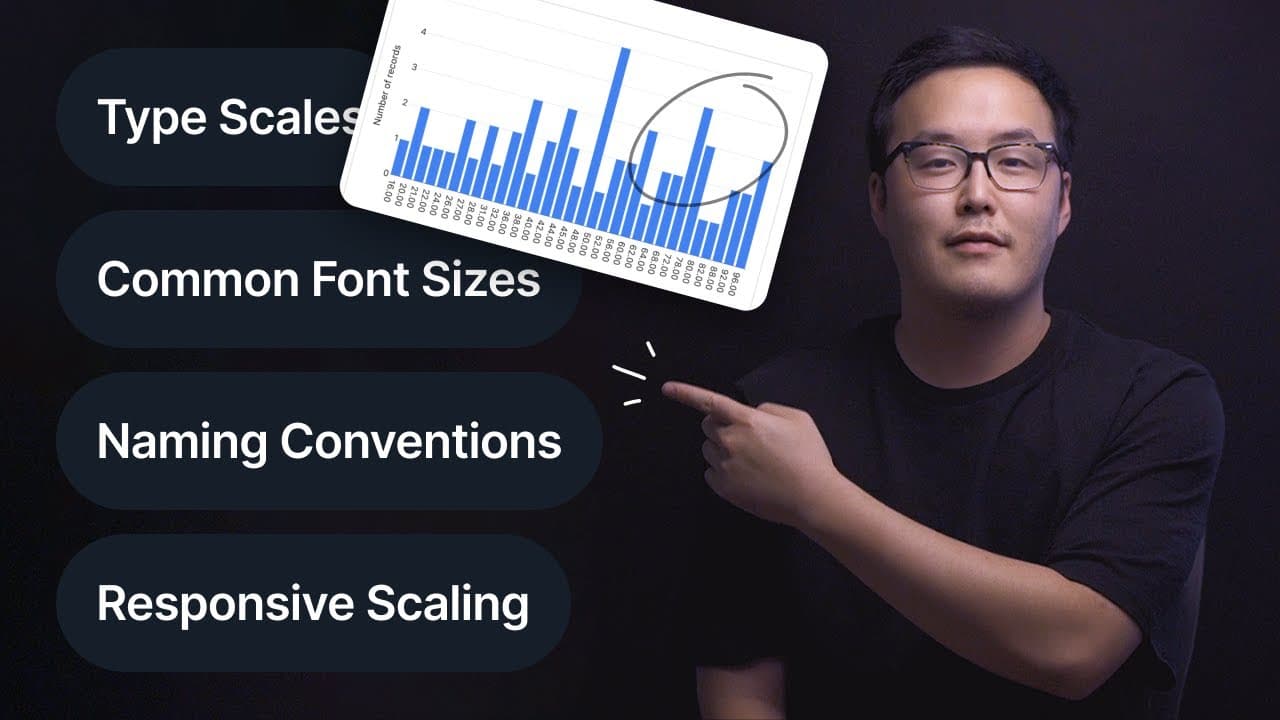
Typography: Ultimate Design System Breakdown
A detailed video breakdown of how to build a typography system within your design system — covering type scales, responsive sizing, line heights, font pairing, and token naming conventions. Practical walkthrough with real implementation examples.