
Command Palette
Search for a command to run...
ios(15)
tagged resources
ios Resources

Apple iOS 18 UI Kit: Official Apple Design Resources
Apple's official iOS 18 UI kit containing hundreds of components with Auto Layout, Component Properties, variants, and light/dark mode support. Includes system interfaces, widgets, notification templates, and comprehensive typography with accessibility sizes for native iOS development.
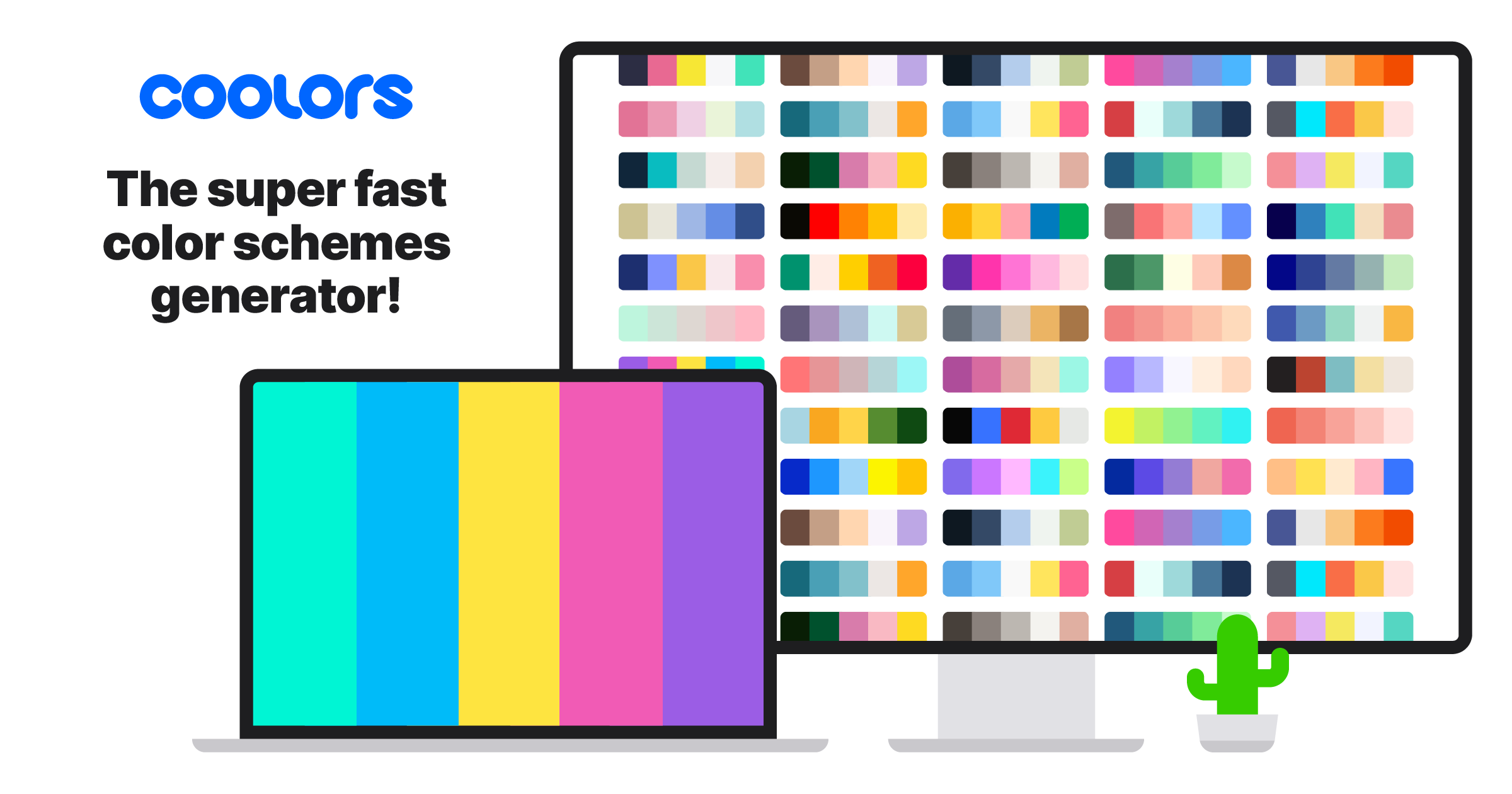
Coolors: Elevate Your Designs with Effortless Color Harmony
Coolors is the fastest color palette generator — press spacebar to cycle through harmonious combinations, lock colors you like, and fine-tune with advanced adjustments. Export to multiple formats, check contrast ratios, and explore trending palettes from the community.

Design+code: iOS Design and Xcode Mastery: Practical Courses and Tools
Design+Code offers practical courses bridging iOS design and development — covering SwiftUI, Xcode, Figma workflows, and app design patterns. Perfect for designers who want to understand development or developers looking to improve their design sensibility.
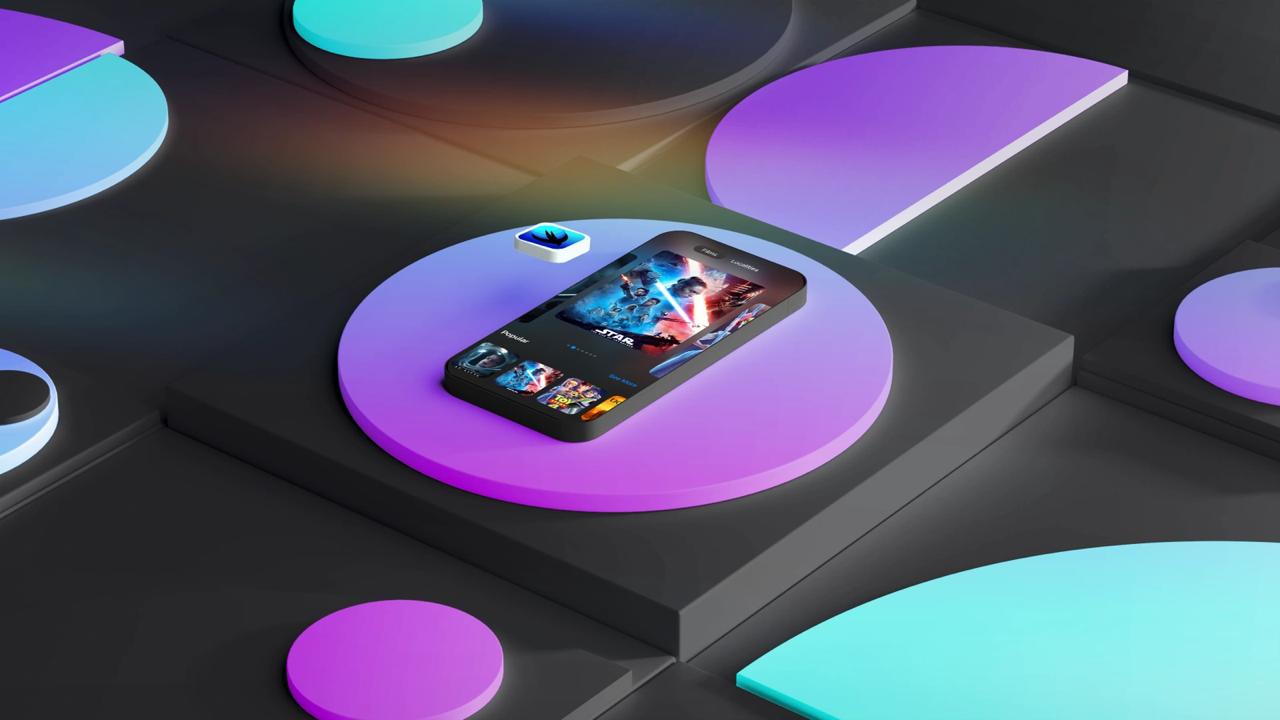
Kavsoft - SwiftUI Tutorials and Source Code
Kavsoft specializes in SwiftUI tutorials covering Core Data, task management apps, custom UI components, and animations for iOS 16+. Patreon supporters get full source code access to 400+ projects plus early access to new tutorials.
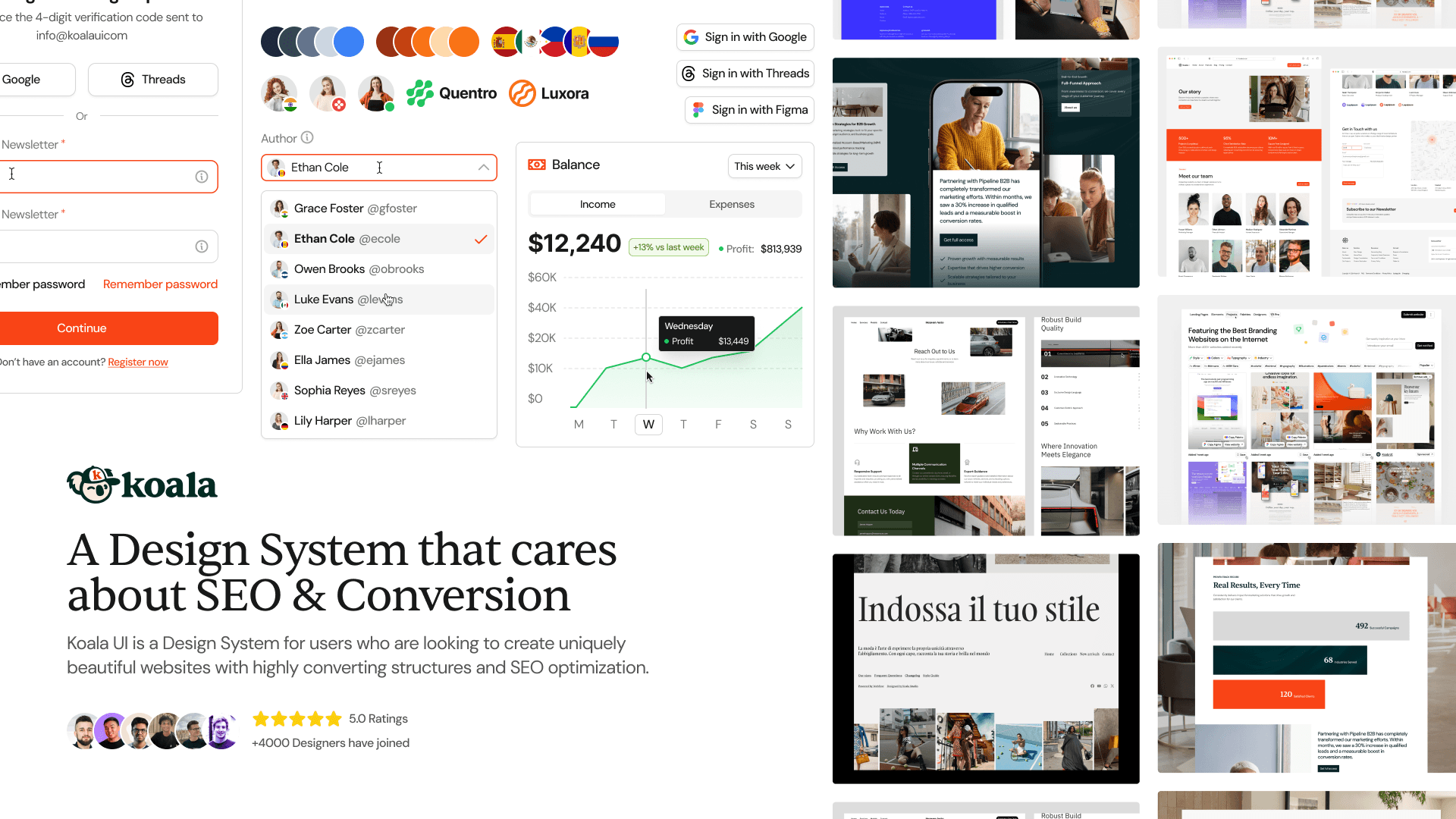
Koala UI: Cross-Platform Mobile Design System
Fully responsive mobile UI kit optimized for both iOS and Android with native components following Apple HIG and Google Material Design. Features pre-built AI app templates and ready-to-use mobile screens for rapid mobile app prototyping.
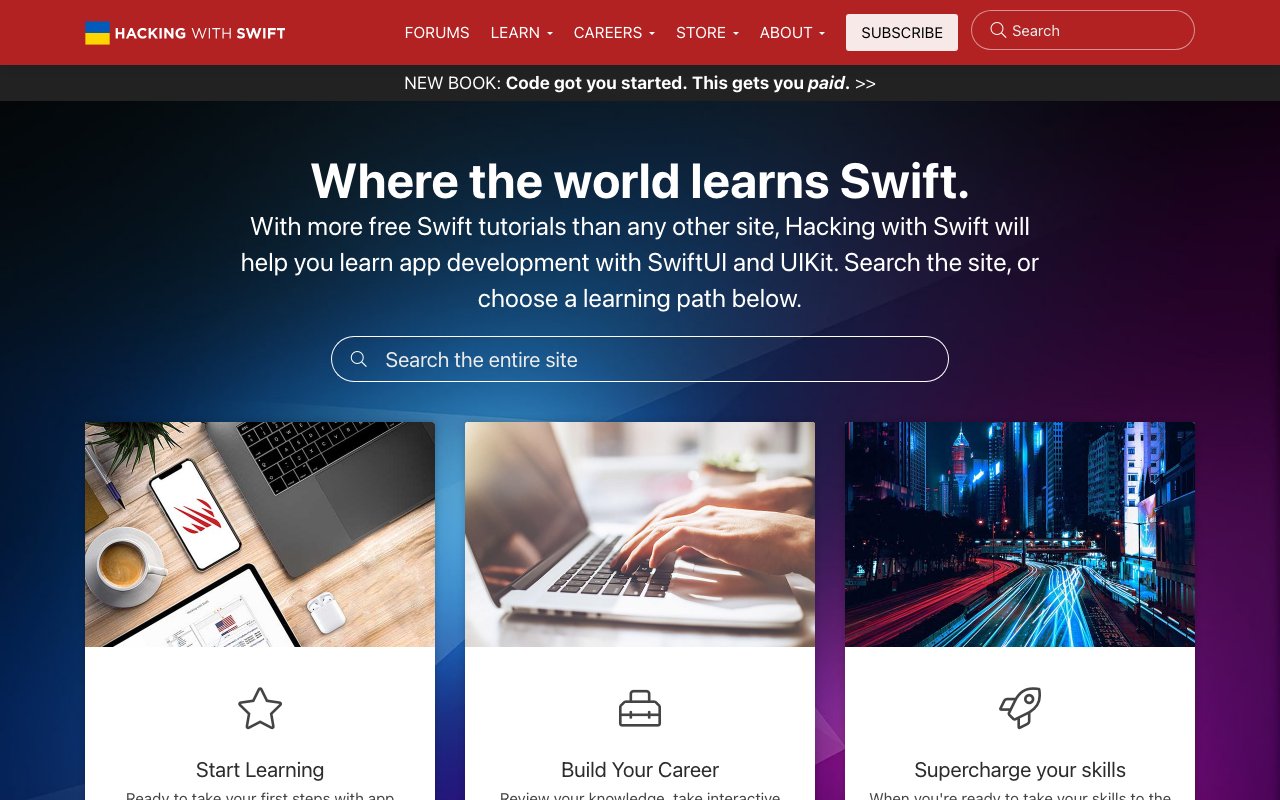
Learn iOS App Development with Free 'Hacking with Swift' Tutorials
Hacking with Swift is the most popular free resource for learning iOS development with Swift and SwiftUI. Paul Hudson's project-based tutorials take you from beginner to advanced with practical, hands-on lessons that build real apps.
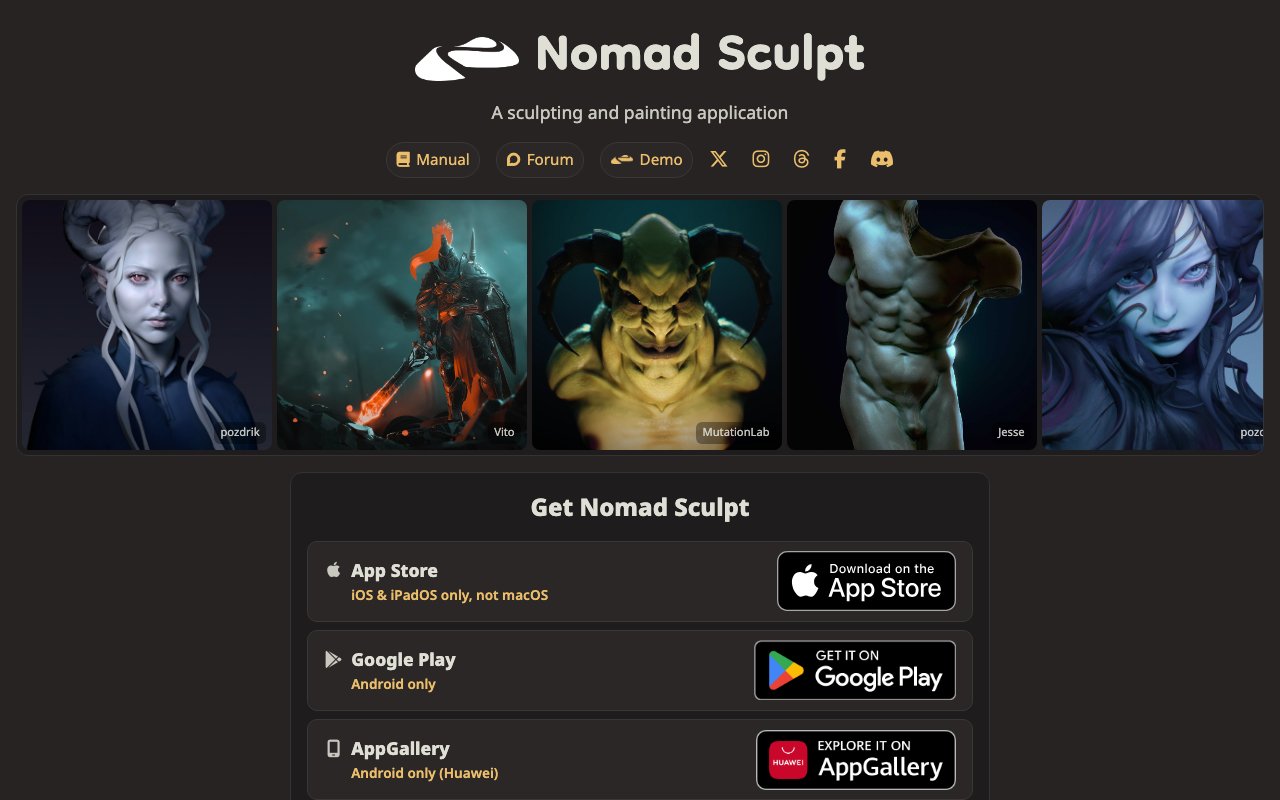
Nomad Sculpt: Next-Level 3D Sculpting for Designers on the Go
Nomad Sculpt is a powerful 3D sculpting app for iPad and Android tablets that rivals desktop tools in capability. With multiresolution sculpting, PBR painting, and an intuitive touch interface, it lets artists create detailed 3D models anywhere.
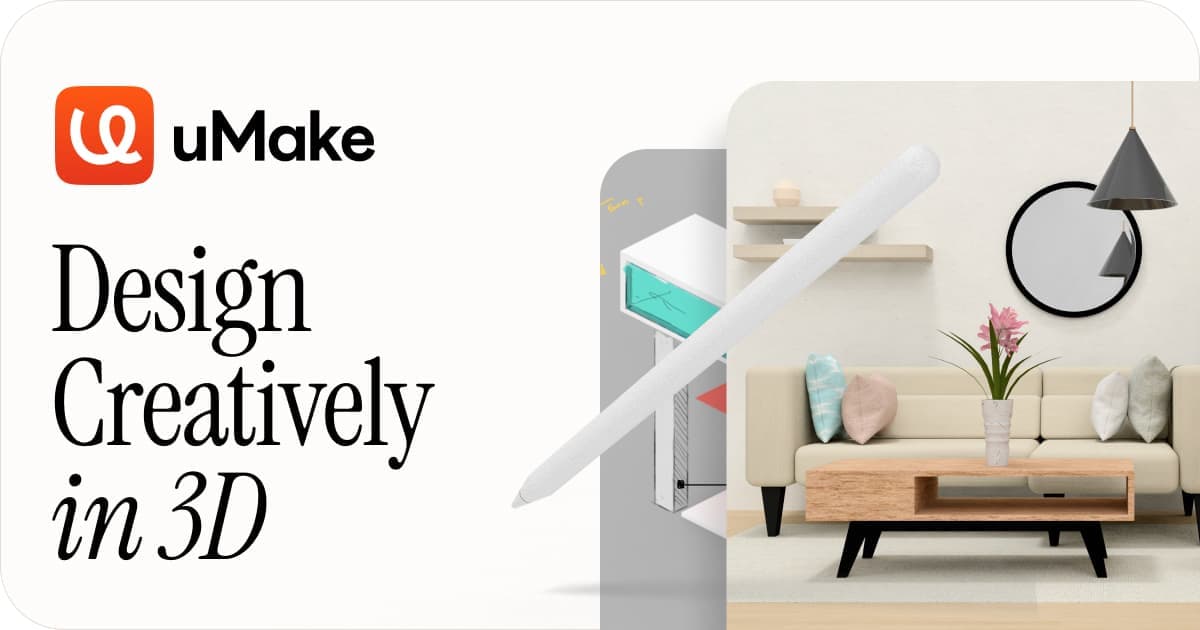
Revolutionize 3D Design with uMake: Empower Your Creative Vision
uMake is a 3D design tool that lets you sketch ideas in 3D space using natural gestures on iPad or desktop. Aimed at industrial and product designers, it bridges the gap between 2D sketching and full 3D modeling with an approachable, creative workflow.
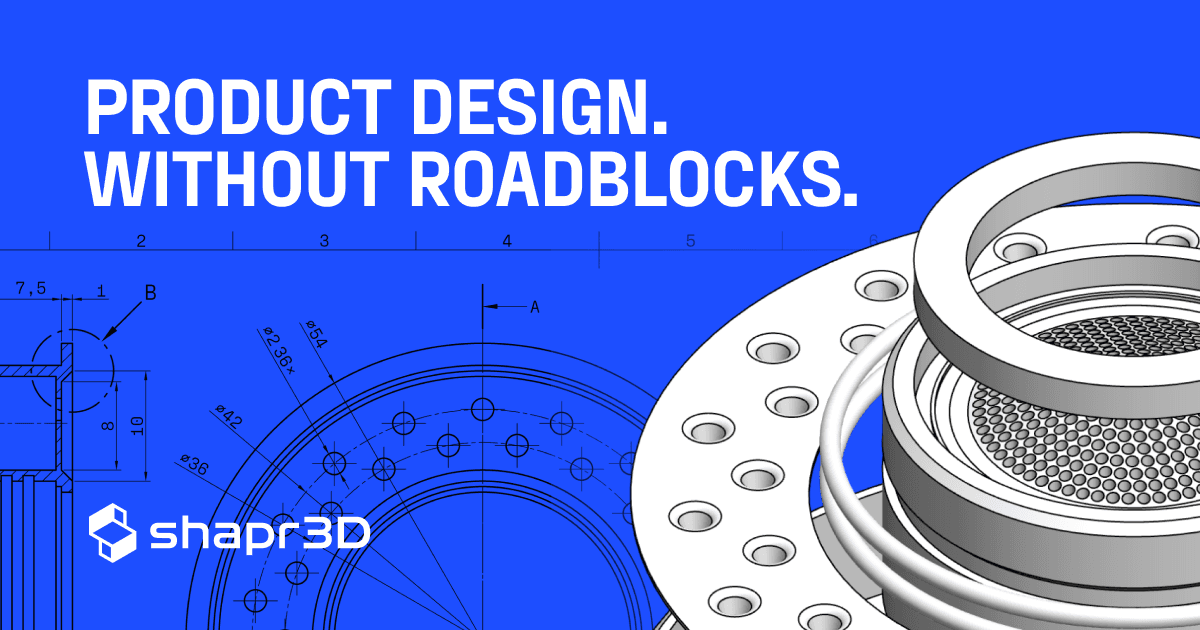
Revolutionize Your Designs with Shapr3D's Precision 3D Modeling
Shapr3D is a precision CAD modeling tool designed for iPad, Mac, and Windows that makes professional 3D modeling accessible through an intuitive interface. It's ideal for product designers and engineers who need to create accurate mechanical parts, enclosures, and prototypes.
Rork: AI Mobile App Builder
Rork builds mobile applications using AI. Describe your app idea and get a working iOS or Android prototype. Ideal for designers validating mobile concepts before full development.
Setapp: Ultimate Mac App Subscription Service
Setapp is a subscription service that gives you access to 240+ curated Mac and iOS apps for a flat monthly fee — including design tools like CleanShot X, Sip, and Gifox. A cost-effective way to access premium productivity and design utilities without individual licenses.

SwiftUI Boilerplate for Fast AI Wrapper Creation
WrapFast is a SwiftUI boilerplate that gives you a production-ready iOS app template pre-configured with AI API integrations, authentication, payments, and onboarding. It lets designers and developers ship AI-powered iOS apps in days instead of months.

SwiftUI Codes
SwiftUI code examples, tutorials, and templates for iOS app development.
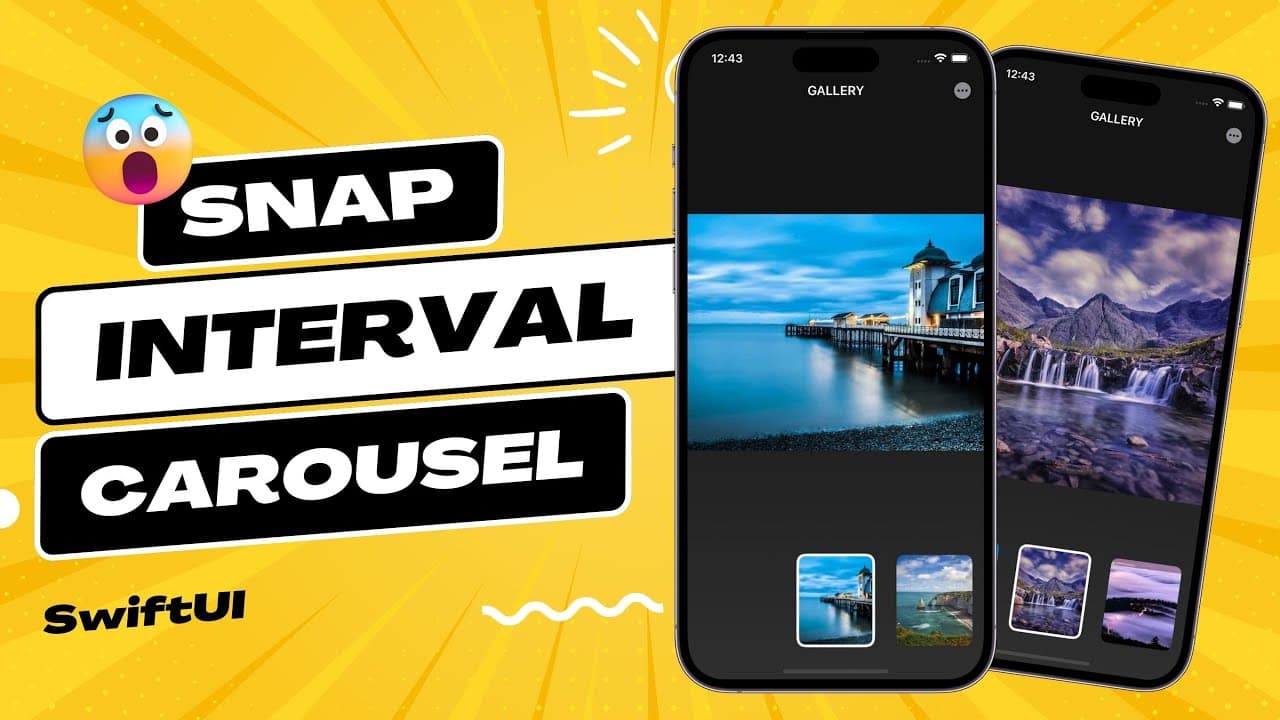
SwiftUI Snap Interval Carousel - Tutorial
A hands-on SwiftUI tutorial showing how to build a snap-interval carousel — a common mobile UI pattern where content cards snap to position as users scroll. Great for iOS designers learning to implement their own designs in SwiftUI.
WebHaptics – Haptic feedback for the mobile web
WebHaptics brings native-style haptic feedback to mobile web experiences. Trigger vibration patterns on iOS Safari and Android to add tactile responses to taps, transitions, and interactions — no app required.